Urban VPN Extension for Edge: How to Install and Use It
Learn how to find, install, and use the Urban VPN extension for Microsoft Edge, plus what to check before relying on it.
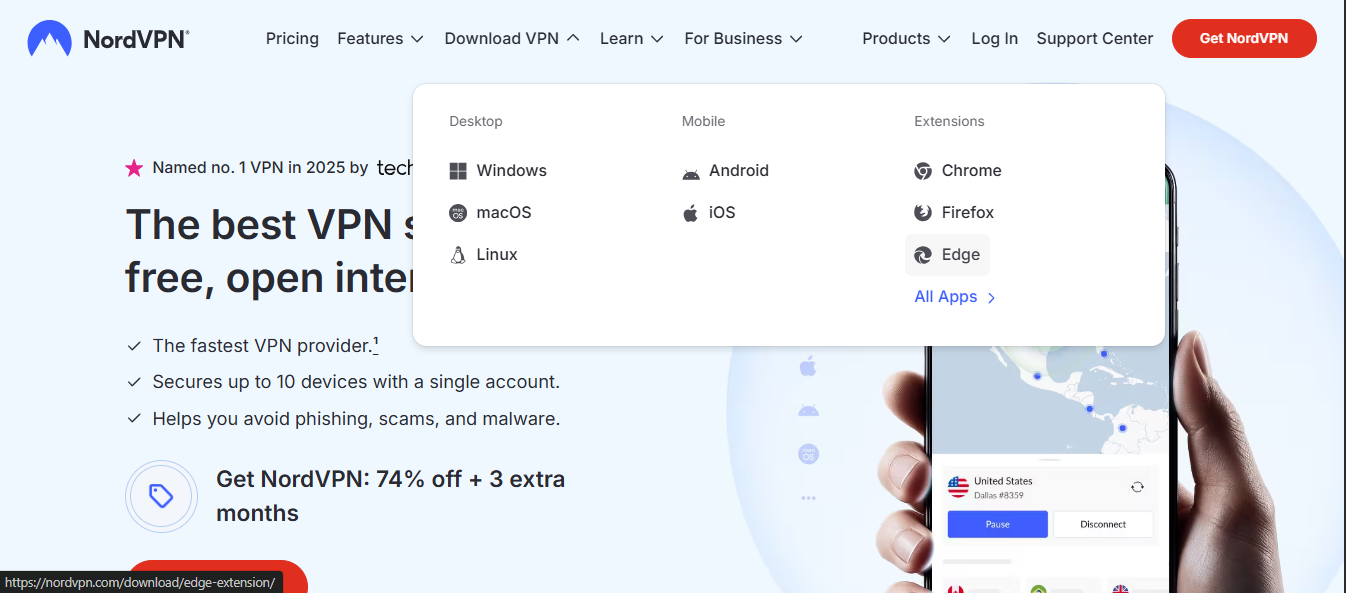
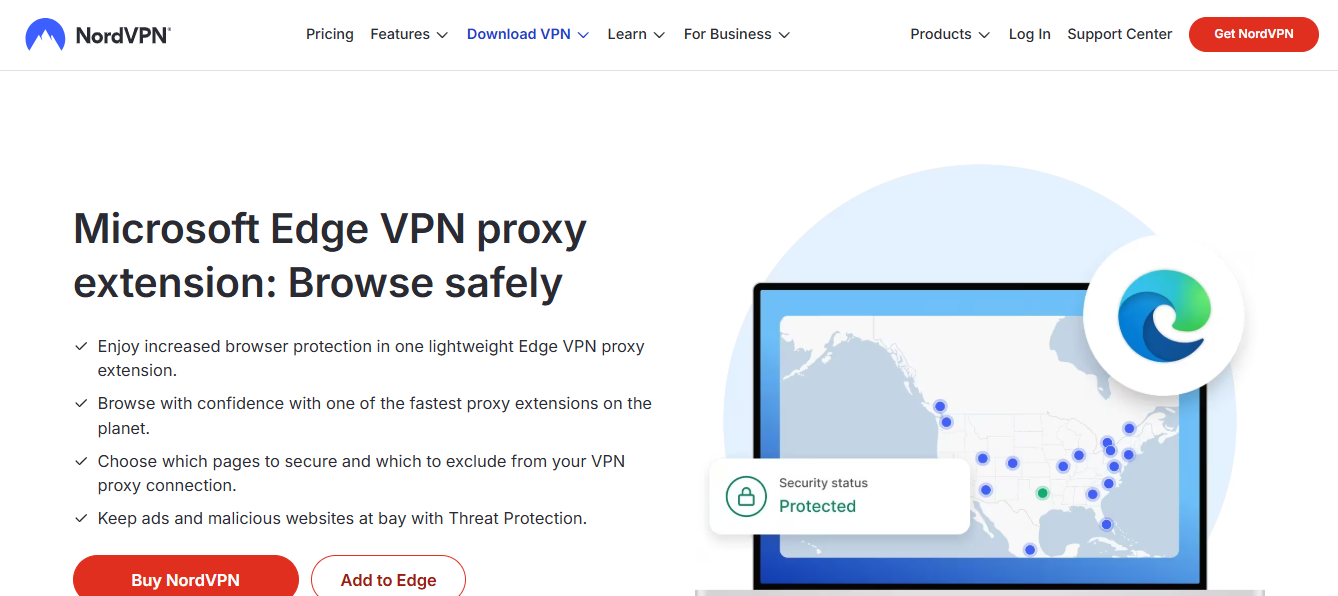
The Urban VPN extension for Edge is called Urban VPN Proxy and is available through the Microsoft Edge Add-ons store. To get started, open the listing in Edge, select the option to install or get the extension, and follow the prompts. Once installed, open the extension from Edge’s toolbar to connect and choose an available location.
Urban VPN describes its browser extension as a free proxy that can help hide your IP address and access websites. The Edge listing says it offers access to 632 VPN servers. Availability, features, and the extension’s presentation can change, so check the current listing and the provider’s privacy information before installing.
| VPN | Obfuscation | From / month | Plan | Free plan | Refund | Alipay | UnionPay | Crypto | Website opens in China | Trustpilot | |
|---|---|---|---|---|---|---|---|---|---|---|---|
 ZoogVPN | Turn on manually Shadow | $2.49/mo | 27 months: $59.99 | Yes | 7 days | ✓ | ✓ | ✓ | ✓ | Official site blocked; our special link opens (4.4 s) | 4.2/5 (195 reviews) |
 NordVPN | Turn on manually Obfuscated Servers / NordWhisper | $3.49/mo | 27 months: $94.23 | No | 30 days | ? | ✗ | ✓ | ✓ | ✗ Blocked | 4.2/5 (51,628 reviews) |
 ExpressVPN | ✓ On by default all servers | $3.00/mo | 28 months: $84 | No | 30 days | ✗ | ✗ | ✓ | ✗ | ✗ Blocked | 4.4/5 (29,706 reviews) |
 Surfshark | ✓ On by default Camouflage, with OpenVPN | See site | See site | No | 30 days | ✗ | ✗ | ✗ | ✓ | ✗ Blocked | 4.3/5 (31,823 reviews) |
 Proton VPN | Turn on manually Stealth, free plan too | $2.99/mo | 12 months: $35.88 | Yes | 30 days | ✗ | ✗ | ✗ | ✓ | ✗ Blocked | 2.1/5 (1,040 reviews) |
 Astrill VPN | Turn on manually StealthVPN / OpenWeb | $12.50/mo | 24 months: $300 | No | See site | ✗ | ✗ | ✗ | ✓ | ✗ Blocked | 1.3/5 (110 reviews) |
 Private Internet Access | Turn on manually Shadowsocks, OpenVPN only | $2.03/mo | 40 months: $81.2 | No | 30 days | ✗ | ✗ | ✗ | ✗ | ✗ Blocked | 4.2/5 (11,033 reviews) |
 CyberGhost | Turn on manually selected servers | $2.19/mo | 28 months: $61.32 | No | 45 days | ✗ | ✗ | ✗ | ✓ | ✗ Blocked | 4.0/5 (24,178 reviews) |
 PureVPN | Turn on manually switch to OpenVPN | $1.69/mo | 60 months: $101.55 | No | 31 days | ? | ? | ✗ | ✓ | ✗ Blocked | 4.4/5 (17,994 reviews) |
 AdGuard VPN | ✓ On by default TrustTunnel | $2.99/mo | 24 months: $71.76 | Yes | 30 days | ✓ | ✗ | ✓ | ✓ | Official site blocked; our special link opens (3.7 s) | 4.3/5 (290 reviews) |
 Mullvad | Turn on manually QUIC / Shadowsocks / LWO | $5.61/mo | €5/mo | No | 14 days | ✗ | ✗ | ✗ | ✓ | ✗ Blocked | 3.2/5 (192 reviews) |
 Windscribe | Turn on manually Stealth / WStunnel | $5.75/mo | 12 months: $69 | Yes | See site | ✗ | ✗ | ✗ | ✓ | ✗ Blocked | 4.7/5 (13,355 reviews) |
 StrongVPN | Turn on manually Scramble, OpenVPN TCP | See site | See site | No | 30 days | ✓ | ✗ | ✗ | ✗ | ✗ Blocked | 4.4/5 (2,695 reviews) |
 LightXtreme 闪连 | Not listed | $7.08/mo | 12 months: $84.99 | Yes | 30 days | ✓ | ✓ | ✓ | ✓ | ✓ Yes (3.5 s) | No page |
Prices checked 2026-11-10 on each vendor's pricing page (cheapest long plan, USD). Check the vendor's checkout for the final price.
Obfuscation checked 2026-11-14 on each vendor's site and help center: "on by default" = nothing to set; "turn on manually" = switch protocol or mode in settings; "not listed" = the vendor describes no obfuscation.
Payment methods checked 2026-11-10 on each vendor's payment pages: all 14 take cards and PayPal; ✗ = not listed, ? = the vendor's own pages disagree.
China access: whether the official website opens from mainland China networks (tests the website only, not the VPN connection). Last checked 2026-11-18 01:02 Beijing time.
Trustpilot score and review count checked 2026-11-10.
Editor's pick: NordVPN — fast, secure VPN — Strong encryption, a no-logs policy and apps for every device. 30-day money-back guarantee. Get NordVPN →
Compare ways to use Urban VPN with Microsoft Edge
| Option | Setup | Runs in Edge | Changes browser IP | Covers other apps |
|---|---|---|---|---|
| Urban VPN Edge extension | Add from Edge Add-ons | Yes | Yes | No |
| Urban VPN website | Open in a tab | No | No | No |
| Urban VPN desktop app | Install the app | No | Yes | Yes |
| Edge InPrivate window | Open a private window | Yes | No | No |
| Another VPN extension | Add a compatible extension | Yes | Yes | No |
| No VPN | None | Yes | No | No |
Compiled November 2026; check the provider's site for current details.
How to install Urban VPN on Microsoft Edge
Use the official Microsoft Edge Add-ons listing rather than downloading an extension from an unfamiliar site. This helps you confirm that you are selecting the product published for Edge.
- Open Microsoft Edge and visit the Microsoft Edge Add-ons store.
- Search for “Urban VPN Proxy,” or open its official listing.
- Review the publisher, permissions, and other listing details.
- Select the install option and confirm the browser prompt.
- Open the extension from the Edge toolbar and follow its connection instructions.
If you do not see the extension icon after installation, open Edge’s Extensions menu and pin it to the toolbar if that option is available. If the listing is missing or installation fails, check that Edge is up to date and that the extension is currently offered in your region.
What the extension does
A browser VPN or proxy extension routes browser traffic through a service rather than directly through your usual connection. Urban VPN says its extension can change your IP location, hide your IP address, and help you reach websites that may not be available from your location.
The Edge store listing describes access to 632 VPN servers. Treat this as the listing’s stated server count, not a guarantee that every location will always be available or deliver the same performance. Urban VPN Proxy: What It Does, Where It Works, and What to Consider
| Feature | What to expect |
|---|---|
| Browser access | Intended for use through the Microsoft Edge browser |
| IP location | Offers the option to connect through different locations |
| Server availability | The Edge listing states access to 632 VPN servers |
| Cost and limits | Check the current Edge listing and provider terms for the latest details |
| Protection scope | Do not assume the extension protects every app or all device traffic |
A browser extension is not necessarily equivalent to a full VPN app. In particular, do not assume that traffic from other browsers, desktop applications, or the entire device is routed through the extension. Check the provider’s documentation to understand exactly what is covered.
Choose a connection location
| Choice | IP location changes | Best suited for | Main consideration |
|---|---|---|---|
| Automatic location | Yes | Quick connection | Location choice may be limited |
| Specific country | Yes | Country-specific access | Select a listed location |
| Nearby location | Yes | General browsing | May not match your preferred country |
| Current location | No | Keeping your usual IP | No VPN location change |
| Disconnect | No | Returning to direct browsing | Traffic is no longer routed through VPN |
Compiled November 2026; check the provider's site for current details.
How to connect and change locations
After installing Urban VPN Proxy, open it from the Edge toolbar. The interface may provide a connection control and a list of locations. Choose a location, connect, and wait for the extension to indicate that the connection is active. VPN Microsoft Edge: How to Turn It On and Choose the Right Option
To check whether your apparent location has changed, use a reputable IP-checking service and compare the result before and after connecting. If the connection does not work as expected, try reconnecting or selecting another available location. You can also check whether another privacy extension or network setting is interfering.
Keep in mind that changing your apparent IP location does not make you anonymous. Websites may still identify you through account logins, browser settings, cookies, or other signals. A VPN extension also cannot guarantee access to every website or streaming service.
Is Urban VPN for Edge safe?
No VPN or proxy extension should be treated as automatically safe simply because it appears in a browser store. An extension may be able to access or process browsing data, depending on its permissions and how it works. Before installation, review the permissions shown by Edge and read the provider’s current privacy policy.
Urban VPN’s website says its browser extension includes security features intended to help shield browsing from phishing attempts, malware, and intrusive ads. These are provider claims, not a substitute for careful browsing, updated security software, or independent verification. Avoid entering sensitive information through a connection you do not trust, and do not rely on a browser extension alone for high-risk activity. Hkmc rndvpn hyundai net: Access and Troubleshooting Guide
For a more informed decision, check:
- What data the extension collects and how it is used.
- Whether the permissions make sense for the extension’s features.
- How to disconnect, remove the extension, or contact support.
- Whether the service’s current terms meet your privacy needs.
Troubleshooting and common questions
Is there a VPN browser extension for Microsoft Edge?
Yes. Urban VPN Proxy is listed in the Microsoft Edge Add-ons store. Confirm that the listing is current and that it matches the extension you intend to install.
What if the Urban VPN extension is unavailable?
Store listings and product availability can change. Search the official Edge Add-ons store and Urban VPN’s website for current information. Avoid installing files from third-party download pages, which may not provide the authentic extension.
Why might a website still know who I am?
A changed IP address does not erase cookies, sign you out of accounts, or hide every browser identifier. For stronger privacy, consider the full set of ways a website can recognize a browser, not just its IP address. IPVanish Login: How to Sign In and Fix Common Problems
Does the extension protect my whole computer?
Do not assume so. A browser extension is generally intended to work with browser traffic, while a device-level VPN app may cover other applications. Check Urban VPN’s current product documentation to confirm the scope of protection.
Compare safety and troubleshooting actions
| Situation | What to check | Suggested action | What to expect |
|---|---|---|---|
| Extension will not install | Edge compatibility | Use Microsoft Edge Add-ons | Install through Edge |
| Extension will not connect | Internet connection | Reconnect and try again | Connection may be restored |
| Desired location is unavailable | Location list | Choose another listed location | Available options can vary |
| A site still shows your region | Site settings or cached data | Refresh the page or check permissions | Results may differ by site |
| You need protection for other apps | Extension coverage | Consider a desktop VPN app | Browser extensions cover browser traffic |
| You are unsure about privacy | Provider practices and permissions | Review current privacy details | Do not assume an extension covers all traffic |
Compiled November 2026; check the provider's site for current details.
Recommendation
If you want a browser-based option, install Urban VPN Proxy only through the official Microsoft Edge Add-ons store, then review its permissions and privacy policy before connecting. It may suit basic browsing needs, but verify what traffic it covers and do not treat it as a guarantee of anonymity or complete device-wide protection. Free VPN: How to Choose One That Protects Your Privacy