How Can I Tell If a VPN Is Blocking My Internet?
Learn how to check whether your VPN is interrupting internet access and what to try before changing settings.
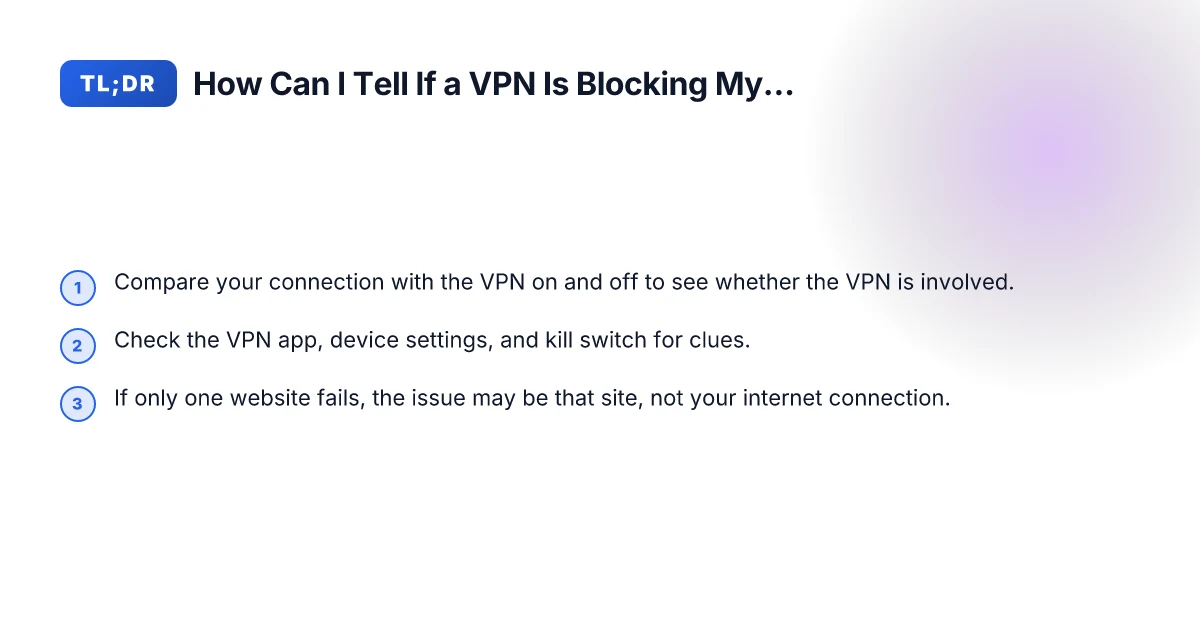
If your internet stops working when a VPN is connected, disconnect the VPN and test the same websites or apps again. If access returns, the VPN connection, its settings, or the selected server may be causing the problem. If you still cannot get online with the VPN off, look for an issue with your Wi-Fi, device, or internet service instead. This quick comparison is the clearest first step when asking, “how can I tell if a VPN is blocking my internet?”
Editor's pick: NordVPN — fast, secure VPN — Strong encryption, a no-logs policy and apps for every device. 30-day money-back guarantee. Get NordVPN →
Compare signs that point to a VPN issue with signs that suggest another cause
| What you notice | VPN may be involved | More likely another cause | Useful check |
|---|---|---|---|
| Internet works with VPN off | Yes | No | Reconnect and retry |
| Many sites fail only with VPN on | Yes | No | Compare several sites |
| One site fails in both states | Less likely | Yes | Try another site |
| Connection drops after VPN connects | Yes | Possible | Check VPN status |
| Slow loading only with VPN on | Possible | Possible | Compare connection states |
| VPN app shows an error | Yes | No | Note the error message |
| Other devices also lose internet | Less likely | Possible | Check the same network |
| A site displays an access-denied message | Possible | Possible | Test with VPN off |
Compiled November 2026; check the provider's site for current details.
| VPN | Obfuscation | From / month | Plan | Free plan | Refund | Alipay | UnionPay | Crypto | Website opens in China | Trustpilot | |
|---|---|---|---|---|---|---|---|---|---|---|---|
 ZoogVPN | Turn on manually Shadow | $2.49/mo | 27 months: $59.99 | Yes | 7 days | ✓ | ✓ | ✓ | ✓ | Official site blocked; our special link opens (4.4 s) | 4.2/5 (195 reviews) |
 NordVPN | Turn on manually Obfuscated Servers / NordWhisper | $3.49/mo | 27 months: $94.23 | No | 30 days | ? | ✗ | ✓ | ✓ | ✗ Blocked | 4.2/5 (51,628 reviews) |
 ExpressVPN | ✓ On by default all servers | $3.00/mo | 28 months: $84 | No | 30 days | ✗ | ✗ | ✓ | ✗ | ✗ Blocked | 4.4/5 (29,706 reviews) |
 Surfshark | ✓ On by default Camouflage, with OpenVPN | See site | See site | No | 30 days | ✗ | ✗ | ✗ | ✓ | ✗ Blocked | 4.3/5 (31,823 reviews) |
 Proton VPN | Turn on manually Stealth, free plan too | $2.99/mo | 12 months: $35.88 | Yes | 30 days | ✗ | ✗ | ✗ | ✓ | ✗ Blocked | 2.1/5 (1,040 reviews) |
 Astrill VPN | Turn on manually StealthVPN / OpenWeb | $12.50/mo | 24 months: $300 | No | See site | ✗ | ✗ | ✗ | ✓ | ✗ Blocked | 1.3/5 (110 reviews) |
 Private Internet Access | Turn on manually Shadowsocks, OpenVPN only | $2.03/mo | 40 months: $81.2 | No | 30 days | ✗ | ✗ | ✗ | ✗ | ✗ Blocked | 4.2/5 (11,033 reviews) |
 CyberGhost | Turn on manually selected servers | $2.19/mo | 28 months: $61.32 | No | 45 days | ✗ | ✗ | ✗ | ✓ | ✗ Blocked | 4.0/5 (24,178 reviews) |
 PureVPN | Turn on manually switch to OpenVPN | $1.69/mo | 60 months: $101.55 | No | 31 days | ? | ? | ✗ | ✓ | ✗ Blocked | 4.4/5 (17,994 reviews) |
 AdGuard VPN | ✓ On by default TrustTunnel | $2.99/mo | 24 months: $71.76 | Yes | 30 days | ✓ | ✗ | ✓ | ✓ | Official site blocked; our special link opens (3.7 s) | 4.3/5 (290 reviews) |
 Mullvad | Turn on manually QUIC / Shadowsocks / LWO | $5.61/mo | €5/mo | No | 14 days | ✗ | ✗ | ✗ | ✓ | ✗ Blocked | 3.2/5 (192 reviews) |
 Windscribe | Turn on manually Stealth / WStunnel | $5.75/mo | 12 months: $69 | Yes | See site | ✗ | ✗ | ✗ | ✓ | ✗ Blocked | 4.7/5 (13,355 reviews) |
 StrongVPN | Turn on manually Scramble, OpenVPN TCP | See site | See site | No | 30 days | ✓ | ✗ | ✗ | ✗ | ✗ Blocked | 4.4/5 (2,695 reviews) |
 LightXtreme 闪连 | Not listed | $7.08/mo | 12 months: $84.99 | Yes | 30 days | ✓ | ✓ | ✓ | ✓ | ✓ Yes (3.5 s) | No page |
Prices checked 2026-11-10 on each vendor's pricing page (cheapest long plan, USD). Check the vendor's checkout for the final price.
Obfuscation checked 2026-11-14 on each vendor's site and help center: "on by default" = nothing to set; "turn on manually" = switch protocol or mode in settings; "not listed" = the vendor describes no obfuscation.
Payment methods checked 2026-11-10 on each vendor's payment pages: all 14 take cards and PayPal; ✗ = not listed, ? = the vendor's own pages disagree.
China access: whether the official website opens from mainland China networks (tests the website only, not the VPN connection). Last checked 2026-11-18 01:02 Beijing time.
Trustpilot score and review count checked 2026-11-10.
Look for signs that the VPN is involved
A VPN routes your internet traffic through a VPN server. If that connection fails, or a setting prevents traffic from using your regular connection, you may see symptoms such as:
- Websites and apps failing to load while the VPN is connected.
- A “no internet” message even though your device is connected to Wi-Fi.
- Some services working while others time out or show an error.
- Internet access returning soon after you disconnect the VPN.
- The VPN app repeatedly failing to connect or dropping its connection.
One failed website does not necessarily mean the VPN is blocking your internet. The site could be temporarily unavailable, or it may restrict traffic from VPN servers. Test several unrelated websites and apps before drawing a conclusion.
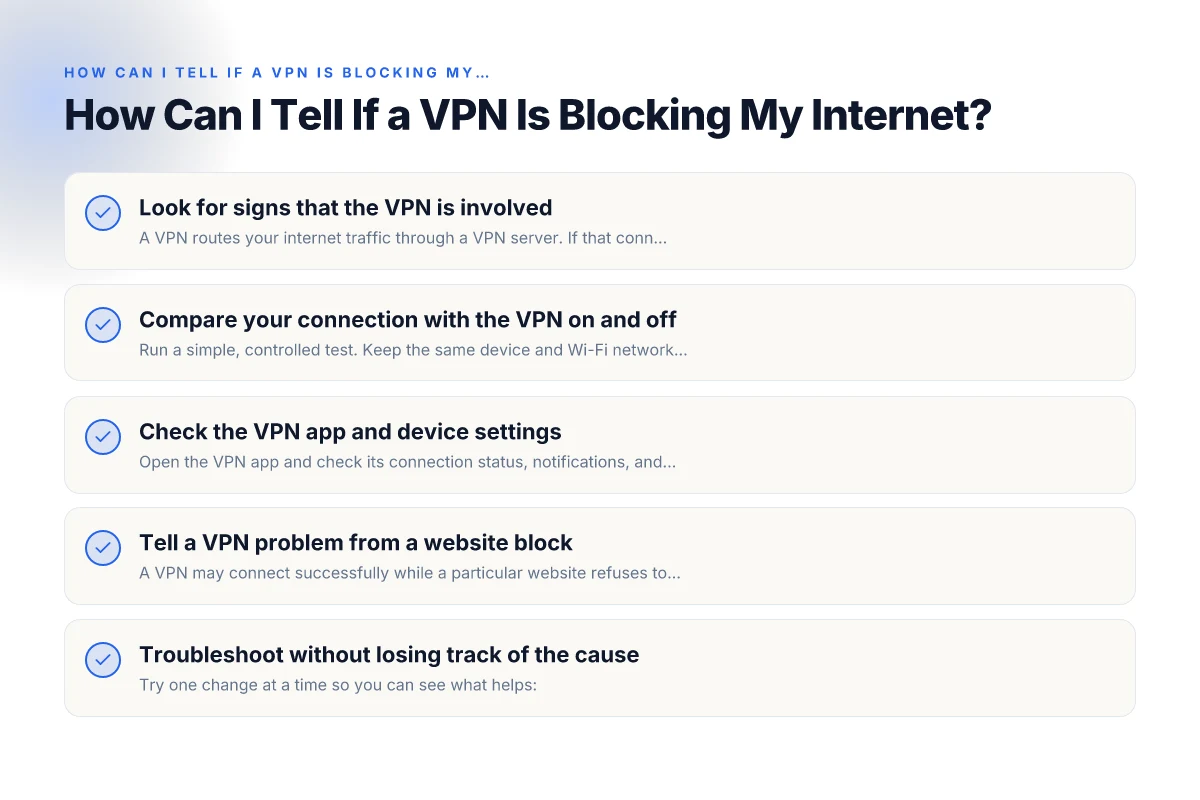
Compare your connection with the VPN on and off
Run a simple, controlled test. Keep the same device and Wi-Fi network, and try to open the same sites in both conditions.
| Test | What happens | What it may indicate |
|---|---|---|
| VPN off | Nothing loads | A general connection, device, or network problem |
| VPN on | Nothing loads; VPN off works | A VPN connection or setting may be interfering |
| VPN on | One site fails, others work | The site may be unavailable or blocking VPN traffic |
| VPN on | Connection is slow but usable | The VPN server, route, or network conditions may be affecting speed |
To make the comparison useful: NordVPN Windows: How to Download, Install, and Use the App
- Confirm that your device is connected to Wi-Fi or mobile data.
- Disconnect the VPN and try a few different websites or apps.
- Reconnect the VPN and repeat the test.
- Note whether the VPN app says it is connected, connecting, or disconnected.
If possible, also try another network, such as mobile data instead of Wi-Fi. If the VPN works on one network but not another, the network may be interfering with the VPN connection.
Check the VPN app and device settings
Open the VPN app and check its connection status, notifications, and settings. A VPN can intentionally stop all internet traffic when it disconnects unexpectedly. This feature is often called a kill switch. It is designed to prevent traffic from leaving your device outside the VPN, but it can make the internet appear blocked if the VPN connection is down.
Look for settings or messages related to:
- Kill switch: Check whether it is enabled and whether the app reports a failed VPN connection. If you choose to turn it off for a brief test, understand that your traffic may no longer be protected by the VPN.
- Auto-connect: The app may be reconnecting automatically or switching servers.
- VPN protocol: If the app offers another protocol, trying it may help identify whether the current connection method is the problem.
- Split tunneling: This setting routes only selected apps through the VPN. It can explain why some apps work differently from others.
- App permissions or profiles: Confirm that the VPN is allowed to create a VPN connection on your device.
You can also check whether a VPN or proxy is active in your device’s network settings. On a PC, inspect the Wi-Fi or network settings for VPN or proxy connections. On a Mac, check the status menu and network settings. On Android or iPhone, look in the network or VPN settings. The exact path varies by device and operating-system version. Microsoft Edge Secure Network VPN Reviews: Is It Safe and Worth Using?
Compare troubleshooting checks by what they help identify
| Check | VPN on | VPN off | What it can show | Keep other settings unchanged |
|---|---|---|---|---|
| Open the same website | Yes | Yes | Whether failure tracks VPN use | Yes |
| Try a second website | Yes | Yes | Whether the issue is site-specific | Yes |
| Check another app | Yes | Yes | Whether trouble affects more than one service | Yes |
| Review VPN connection status | Yes | Not applicable | Whether the tunnel is connected | Yes |
| Check device internet status | Yes | Yes | Whether the device has a connection | Yes |
| Note the error message | Yes | Yes | Whether the message changes by state | Yes |
| Change one VPN setting | Yes | Not applicable | Whether that setting affects access | No |
| Restore the original setting | Yes | Not applicable | Whether the change caused a difference | No |
Compiled November 2026; check the provider's site for current details.
Tell a VPN problem from a website block
A VPN may connect successfully while a particular website refuses to load. Some sites block or challenge traffic they identify as coming from a VPN or proxy. In that case, your internet is not necessarily blocked overall.
Try these checks: Nord VPN in China: What Travelers Need to Know
- Open several unrelated websites.
- Test the affected service in another app or browser.
- Check whether the VPN app shows a stable connection.
- If your VPN provider offers multiple servers, try another server.
- Disconnect the VPN and retry the affected site.
If everything works except one site while the VPN is on, that points more toward a site-specific restriction or problem than a total loss of internet access. A VPN or proxy detection tool may report whether an IP address is associated with VPN or proxy use, but that alone cannot prove why a site is failing.
Troubleshoot without losing track of the cause
Try one change at a time so you can see what helps:
- Disconnect and reconnect the VPN.
- Choose a different VPN server.
- Restart the VPN app, then restart your device if needed.
- Check for an app update.
- Try another available protocol in the VPN app.
- Restart your router if other devices on the same Wi-Fi also have trouble.
- Test the VPN on another network, if available.
If the VPN fails on multiple networks and devices, contact the VPN provider’s support team. If the internet also fails when the VPN is disconnected, check your router, device connection, or internet provider instead. Avoid changing several network settings at once. Doing so can make the cause harder to identify.
Choose the next step based on what the comparison shows Does Microsoft Edge Have VPN? What Edge Secure Network Can Do
| Result | Likely direction | Next step | Avoid concluding |
|---|---|---|---|
| Works off, fails on across sites | VPN connection or settings | Check app status and settings | That the internet is fully down |
| Fails on and off for one site | Website-specific issue | Try another site and check again later | That the VPN is blocking all internet |
| Fails on and off across apps | Device or network issue | Check device and network connection | That the VPN is the only cause |
| Only one app fails with VPN on | App-specific interaction | Compare that app in both states | That every site is blocked |
| VPN reports disconnected | VPN setup issue | Review the app’s connection message | That the tunnel is active |
| A settings change fixes access | Setting may be involved | Record the change and retest | That other changes are needed |
| Results vary between attempts | Cause remains unclear | Repeat the same comparison | A firm diagnosis |
| VPN off restores access | VPN involvement is plausible | Reconnect and test one change at a time | That the website itself is at fault |
Compiled November 2026; check the provider's site for current details.
Recommendation
Start by testing the same sites with the VPN off and on. If internet access returns when the VPN is off, check the VPN app’s connection status, kill switch, and server settings. If only one site fails, investigate that site or try another VPN server. If access remains unavailable without the VPN, troubleshoot your regular internet connection first.