Understanding propertychange and its implications for dynamic web applications

A practical guide to propertychange events, what they are, how they work, and when to use them in modern apps.
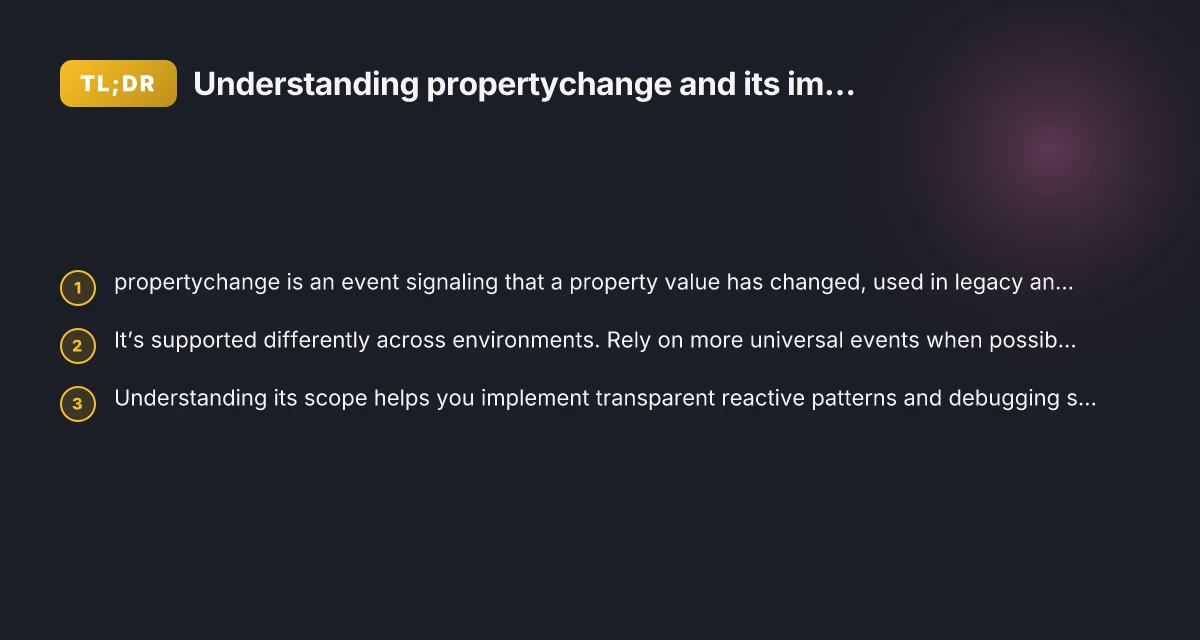
In the world of interactive web development, detecting when a property changes is crucial for creating responsive interfaces. The term propertychange refers to an event that fires when a property’s value is altered. Historically, it’s been used in specific browsers and in particular contexts, but it’s not universally reliable across all environments. This article unpacks what propertychange means, where you might encounter it, and how to implement robust change detection in modern applications.

What propertychange means and where it comes from
Origins and cross-browser context
- The propertychange event originated in early web development as a way to observe changes to a property on a DOM element.
- It has historically been most relevant in Internet Explorer’s event model, with variations in how and when it fires.
- Other browsers have different or no support for propertychange, which makes relying on it alone risky.
How it differs from input and mutation events
- Input events (e.g., input, change for form controls) are standard for detecting user-driven value updates.
- Mutation observers detect structural changes to the DOM, not property values per se.
- propertychange focuses on the value of a property, not necessarily the DOM structure, and is not a general-purpose replacement for these events.
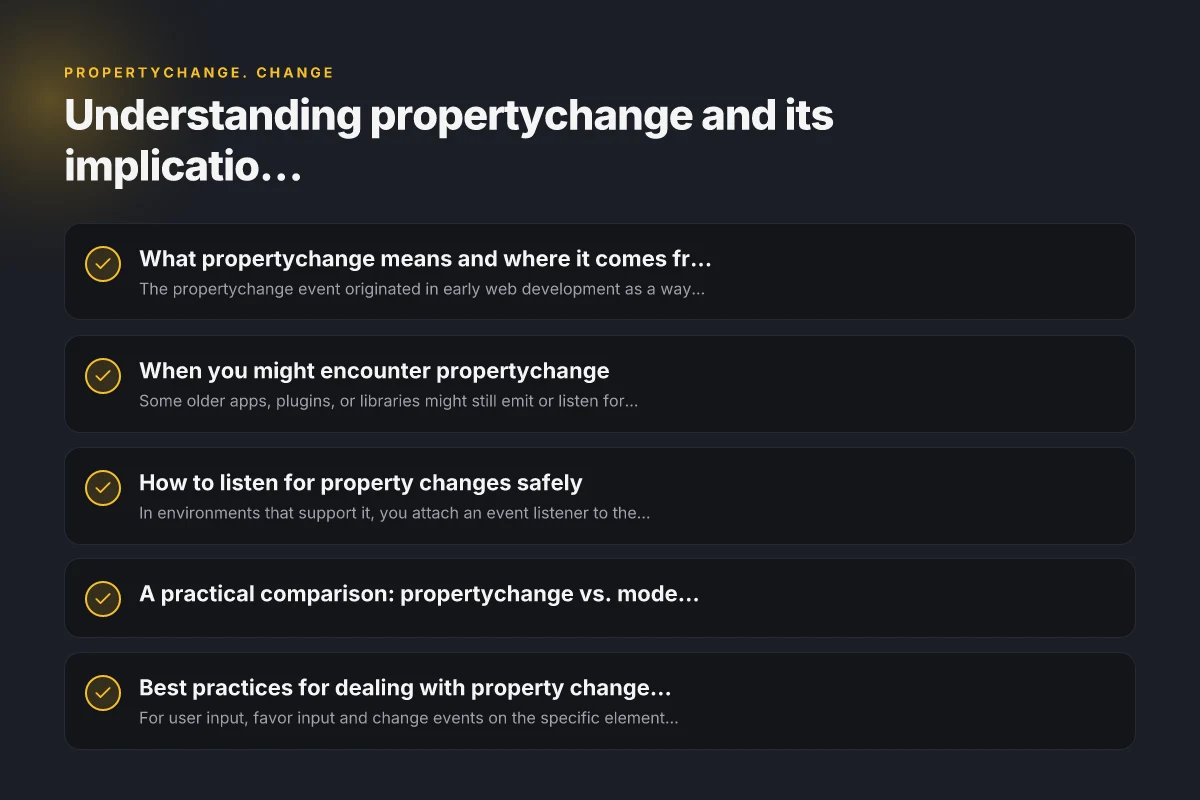
When you might encounter propertychange
Legacy code and older frameworks
- Some older apps, plugins, or libraries might still emit or listen for propertychange.
- If you’re maintaining legacy systems, you may see this event used to trigger UI updates or synchronization logic.
Specific environments and polyfills
- Certain environments or polyfills may expose propertychange-like events to support compatibility, especially in IE-centric code paths.
- It can appear in custom events or as a naming convention rather than a standardized browser feature.
How to listen for property changes safely
Basic pattern
- In environments that support it, you attach an event listener to the element that owns the property.
- Example pattern (conceptual): element.addEventListener('propertychange', handler) or element.attachEvent('onpropertychange', handler) for old IE.
Safer alternatives for modern apps
- Use standard input/change events for form fields to detect value updates.
- Use MutationObserver for DOM changes when the property in question affects attributes or the DOM structure.
- Use a reactive state management solution (e.g., frameworks’ reactivity, Redux-like stores) to propagate changes.
A practical comparison: propertychange vs. modern alternatives
| Scenario | propertychange (where supported) | Modern alternative |
|---|---|---|
| Monitoring a text input value | May fire, but not guaranteed across browsers | Use input or change events on the input element |
| Detecting DOM attribute updates | Not guaranteed; depends on implementation | Use MutationObserver to watch attribute changes |
| Global state synchronization | Difficult and unreliable | Use a shared state/store and observer patterns |
| Legacy code compatibility | Possibly needed in older IE environments | Prefer gradual refactoring, keep backward-compatible wrappers if necessary |
Best practices for dealing with property changes today
Prefer standardized events
- For user input, favor input and change events on the specific elements.
- For programmatic changes, consider dispatching custom events to notify listeners rather than relying on propertychange.
Use a robust state management approach
- Centralize state so updates propagate predictably.
- Implement event buses or reactive bindings to decouple components.
Graceful degradation
- If you must support legacy environments, implement a layered approach:
- Primary path: use modern standards.
- Fallback path: detect and handle propertychange if present, with safe guards and feature detection.
Testing and debugging tips
- Feature-detect for propertychange support before attaching listeners.
- Write tests that simulate both user-driven changes and programmatic property updates.
- Log events with contextual metadata to differentiate between property changes and other events.
When to avoid propertychange entirely
- If your project targets modern browsers with strong support for standard events, relying on propertychange adds unnecessary complexity.
- If you’re building cross-platform components (web and native), keep event handling aligned with platform-native patterns rather than browser-specific quirks.
Case study: migrating from propertychange to modern event patterns
- Situation: A legacy admin panel used propertychange to sync a shaded UI component with a data model.
- Approach:
- Introduce a small adapter that listens for propertychange when available and maps it to a standard custom event.
- Refactor components to listen for the new custom event or direct data-store updates.
- Phase out the adapter as legacy code is removed and replaced with reactive state updates.
- Outcome: Cleaner event handling, easier testing, and improved cross-browser reliability.
Short note on performance considerations
- Event listeners add overhead. Avoid keeping listeners on properties that change frequently without benefit.
- Use debouncing or batching strategies when multiple rapid changes would trigger redundant updates.
Recommendation
For most modern projects, do not rely on propertychange as a primary mechanism for detecting changes. Use standard events (input, change), MutationObserver for DOM-level changes, and a consistent state management approach to propagate updates. If you must interface with legacy code that uses propertychange, encapsulate it behind a compatibility layer, and progressively migrate to modern patterns. This keeps your codebase maintainable, testable, and future-proof.