NordVPN Download Windows 11: How to Install and Get Started
Download NordVPN for Windows 11 from the official site, install the app, sign in, and connect securely.
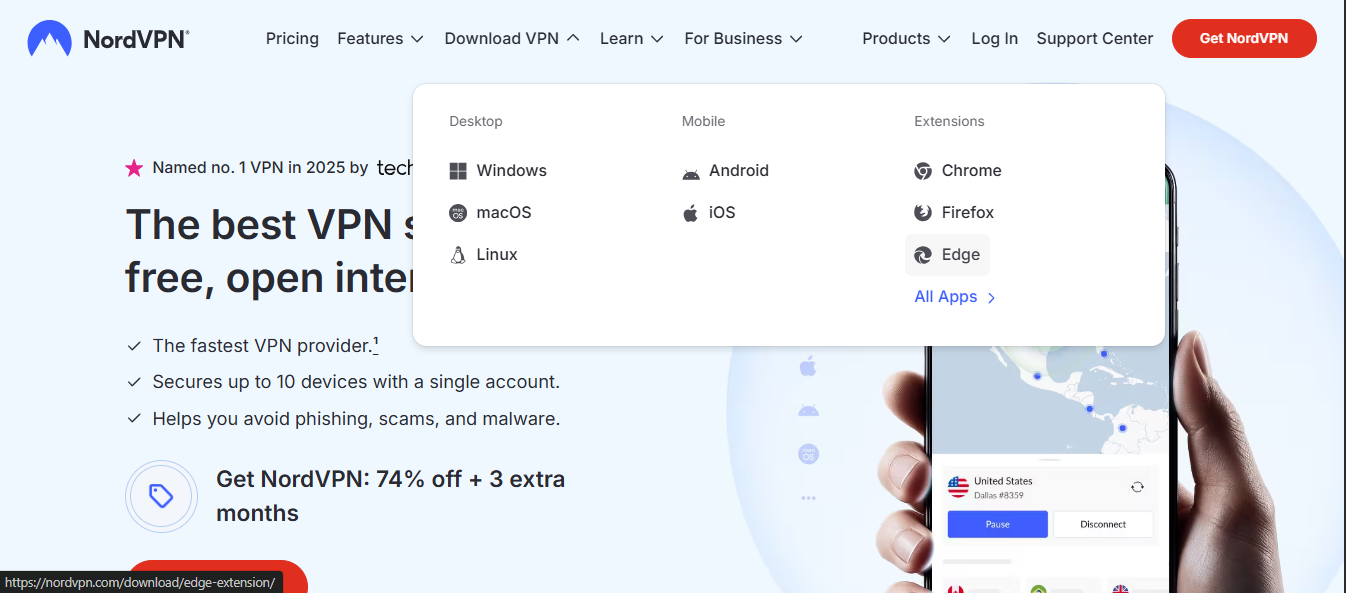
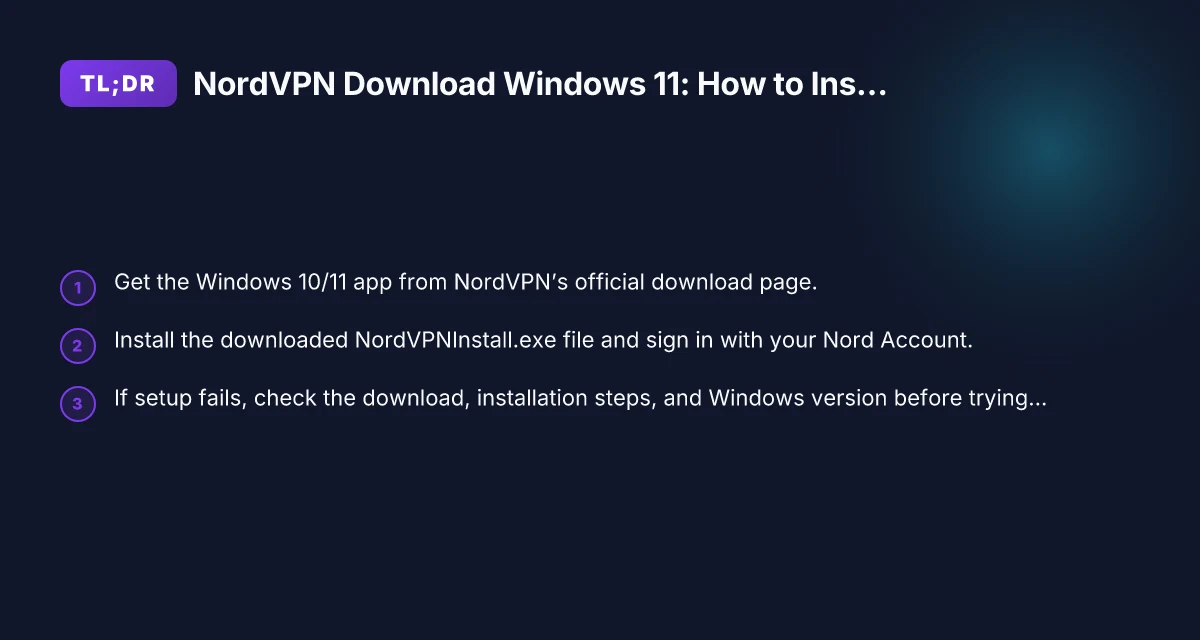
To complete a NordVPN download for Windows 11, visit NordVPN’s official Windows download page, download the app for Windows 10/11, and run the installer. Once installation finishes, launch NordVPN and sign in with your Nord Account. If you don’t have an account, you’ll need to sign up before using the app.
Compare the ways to download NordVPN for Windows 11
| Download method | Best for | What to do | Main consideration |
|---|---|---|---|
| NordVPN website | Getting the Windows app directly | Visit NordVPN’s official website and download the Windows app | Use the official site |
| Microsoft Store | Installing through the Store | Search for NordVPN in Microsoft Store and install it | Store availability may vary |
| Existing Nord Account | Returning users | Sign in to your account after installation | Requires account credentials |
| New Nord Account | First-time users | Create an account, then sign in | Account setup is needed |
| Website download | Users who prefer a direct installer | Open the downloaded installer | Follow the on-screen prompts |
| Microsoft Store download | Users who prefer Store updates | Select Install in the Store | Managed through the Store |
Compiled November 2026; check the provider's site for current details.
| VPN | Obfuscation | From / month | Plan | Free plan | Refund | Alipay | UnionPay | Crypto | Website opens in China | Trustpilot | |
|---|---|---|---|---|---|---|---|---|---|---|---|
 NordVPN | Turn on manually Obfuscated Servers / NordWhisper | $3.49/mo | 27 months: $94.23 | No | 30 days | ? | ✗ | ✓ | ✓ | ✗ Blocked | 4.2/5 (51,628 reviews) |
 ZoogVPN | Turn on manually Shadow | $2.49/mo | 27 months: $59.99 | Yes | 7 days | ✓ | ✓ | ✓ | ✓ | Official site blocked; our special link opens (4.4 s) | 4.2/5 (195 reviews) |
 ExpressVPN | ✓ On by default all servers | $3.00/mo | 28 months: $84 | No | 30 days | ✗ | ✗ | ✓ | ✗ | ✗ Blocked | 4.4/5 (29,706 reviews) |
 Surfshark | ✓ On by default Camouflage, with OpenVPN | See site | See site | No | 30 days | ✗ | ✗ | ✗ | ✓ | ✗ Blocked | 4.3/5 (31,823 reviews) |
 Proton VPN | Turn on manually Stealth, free plan too | $2.99/mo | 12 months: $35.88 | Yes | 30 days | ✗ | ✗ | ✗ | ✓ | ✗ Blocked | 2.1/5 (1,040 reviews) |
 Astrill VPN | Turn on manually StealthVPN / OpenWeb | $12.50/mo | 24 months: $300 | No | See site | ✗ | ✗ | ✗ | ✓ | ✗ Blocked | 1.3/5 (110 reviews) |
 Private Internet Access | Turn on manually Shadowsocks, OpenVPN only | $2.03/mo | 40 months: $81.2 | No | 30 days | ✗ | ✗ | ✗ | ✗ | ✗ Blocked | 4.2/5 (11,033 reviews) |
 CyberGhost | Turn on manually selected servers | $2.19/mo | 28 months: $61.32 | No | 45 days | ✗ | ✗ | ✗ | ✓ | ✗ Blocked | 4.0/5 (24,178 reviews) |
 PureVPN | Turn on manually switch to OpenVPN | $1.69/mo | 60 months: $101.55 | No | 31 days | ? | ? | ✗ | ✓ | ✗ Blocked | 4.4/5 (17,994 reviews) |
 AdGuard VPN | ✓ On by default TrustTunnel | $2.99/mo | 24 months: $71.76 | Yes | 30 days | ✓ | ✗ | ✓ | ✓ | Official site blocked; our special link opens (3.7 s) | 4.3/5 (290 reviews) |
 Mullvad | Turn on manually QUIC / Shadowsocks / LWO | $5.61/mo | €5/mo | No | 14 days | ✗ | ✗ | ✗ | ✓ | ✗ Blocked | 3.2/5 (192 reviews) |
 Windscribe | Turn on manually Stealth / WStunnel | $5.75/mo | 12 months: $69 | Yes | See site | ✗ | ✗ | ✗ | ✓ | ✗ Blocked | 4.7/5 (13,355 reviews) |
 StrongVPN | Turn on manually Scramble, OpenVPN TCP | See site | See site | No | 30 days | ✓ | ✗ | ✗ | ✗ | ✗ Blocked | 4.4/5 (2,695 reviews) |
 LightXtreme 闪连 | Not listed | $7.08/mo | 12 months: $84.99 | Yes | 30 days | ✓ | ✓ | ✓ | ✓ | ✓ Yes (3.5 s) | No page |
Prices checked 2026-11-10 on each vendor's pricing page (cheapest long plan, USD). Check the vendor's checkout for the final price.
Obfuscation checked 2026-11-14 on each vendor's site and help center: "on by default" = nothing to set; "turn on manually" = switch protocol or mode in settings; "not listed" = the vendor describes no obfuscation.
Payment methods checked 2026-11-10 on each vendor's payment pages: all 14 take cards and PayPal; ✗ = not listed, ? = the vendor's own pages disagree.
China access: whether the official website opens from mainland China networks (tests the website only, not the VPN connection). Last checked 2026-11-18 01:02 Beijing time.
Trustpilot score and review count checked 2026-11-10.
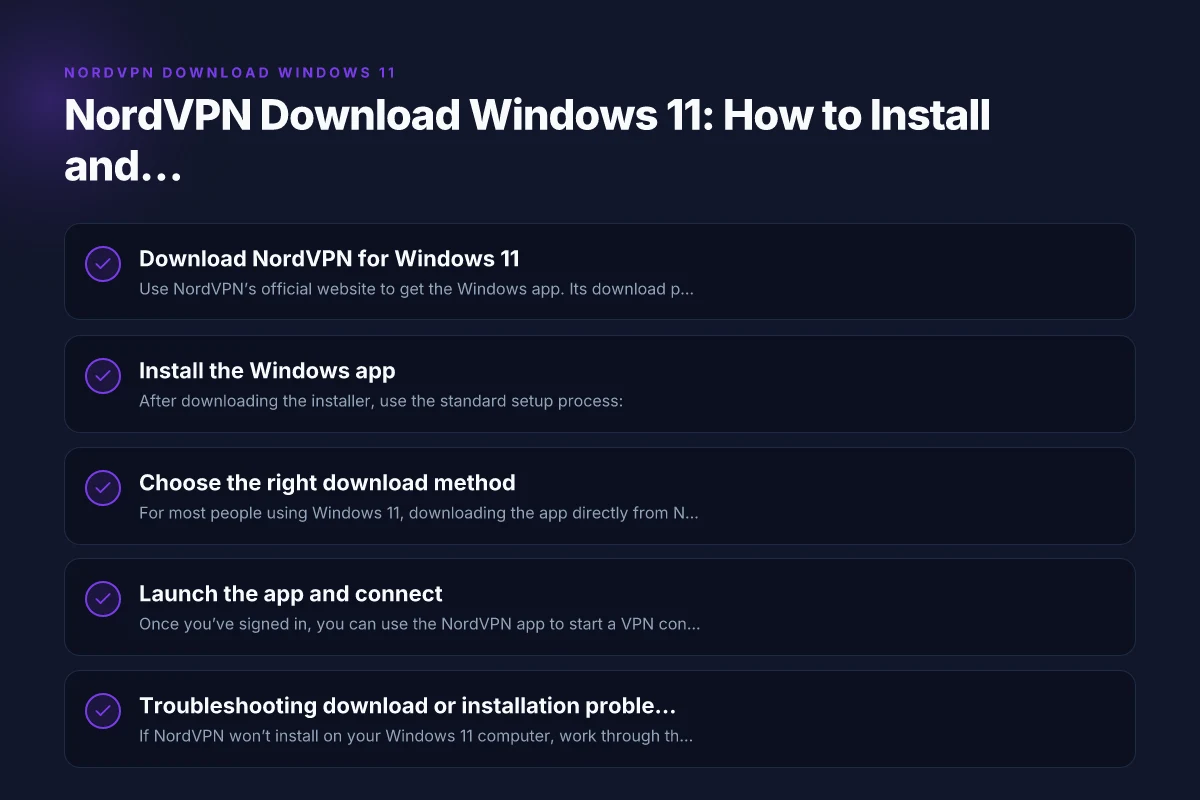
Download NordVPN for Windows 11
Use NordVPN’s official website to get the Windows app. Its download page offers a 64-bit app for Windows 10 and Windows 11, and recommends using the service on the latest Windows versions for security and performance.
- Open the official NordVPN Windows download page.
- Select the Windows app download.
- Wait for the installer to finish downloading.
For safety, avoid unofficial download sites when getting a VPN installer. The official page is the direct source for NordVPN’s Windows app and helps ensure you’re installing the product you intended to download.
Install the Windows app
After downloading the installer, use the standard setup process:
- Open your Downloads folder.
- Find and double-click NordVPNInstall.exe.
- Follow the prompts and click Install.
- When setup is complete, choose Launch NordVPN.
The installer may ask for permission to make changes to your device. Review the Windows prompt and confirm if you started the installation and want to proceed. When the app opens, log in with your Nord Account. If you’re new to NordVPN, create an account through the official NordVPN website before signing in. Checkpoint VPN: How It Works, Clients, and Setup
Choose the right download method
For most people using Windows 11, downloading the app directly from NordVPN is the simplest option. The main alternatives differ in where you get the installer and how much setup is involved.
| Option | Best for | What to expect |
|---|---|---|
| Official NordVPN Windows download | Most Windows 11 users | Download the Windows app, run the installer, and sign in |
| NordVPN support instructions | Users who want guided steps | Follow NordVPN’s documented installation and usage process |
| Manual setup | Users with a specific configuration need | May require additional configuration; follow NordVPN’s current instructions |
NordVPN’s support article provides installation and usage guidance for Windows. If you’re unsure which route to take, start with the official Windows download page and follow the on-screen prompts rather than searching for a separate installer on an unfamiliar site.
Choose a next step for common Windows 11 installation situations
| Situation | Recommended action | What to check | Expected outcome |
|---|---|---|---|
| App is not installed | Download it from an official source | Choose the website or Microsoft Store | Installer or Store setup begins |
| Installer will not open | Download the installer again | Confirm the download completed | A fresh installer is available |
| Installation stops | Retry the installation | Close the installer and reopen it | Setup can run again |
| App is installed | Launch NordVPN | Find it in the Start menu | App opens |
| You are signed in | Choose a server or location | Confirm the account is active | Connection can be started |
| You want a quick connection | Select Quick Connect | Check that internet access is available | App connects to a suitable server |
| Connection does not start | Try another server or reconnect | Check your internet connection | Connection may succeed |
| You are still stuck | Contact NordVPN support | Note the error message | Support can guide troubleshooting |
Compiled November 2026; check the provider's site for current details. Fortinet VPN: What It Does, How to Set It Up, and What to Know
Launch the app and connect
Once you’ve signed in, you can use the NordVPN app to start a VPN connection. Follow the controls shown in the app, and check that it indicates you’re connected before browsing.
A few useful first steps:
- Keep the app updated when updates are offered.
- Review the app’s settings to choose options that suit your needs.
- Disconnect through the app when you no longer want to use the VPN.
A VPN can encrypt the connection between your device and the VPN service, but it doesn’t make every online activity anonymous or replace other security practices. Continue to use strong, unique passwords and keep Windows up to date.
Troubleshooting download or installation problems
If NordVPN won’t install on your Windows 11 computer, work through these checks: VPN Free Extension Edge: How to Choose One for Microsoft Edge
- Confirm the download completed. If the installer appears incomplete or won’t open, download it again from the official Windows page.
- Check the file. The Windows installation instructions identify the installer as NordVPNInstall.exe. Open it from your Downloads folder.
- Follow the prompts. Make sure you complete the installation rather than closing the setup window early.
- Restart and try again. A restart can help if Windows has a pending update or another installation is in progress.
- Use current guidance. Consult NordVPN’s official support instructions if the app still won’t install or launch.
If Windows displays an error, note its wording before contacting support. Avoid downloading replacement installers from third-party sites just to work around an error. Use NordVPN’s official support resources for the next steps.
Recommendation
For a Windows 11 PC, download NordVPN from its official Windows page, run NordVPNInstall.exe, and sign in with your Nord Account. This straightforward route uses NordVPN’s Windows app and its published installation steps.