Hide me
A practical guide to staying unseen online and offline, while balancing privacy, safety, and ethics.
In today’s connected world, many people want to hide aspects of their activity for privacy, safety, or personal reasons. This guide lays out practical, ethical ways to minimize exposure without breaking laws or compromising safety. Think of it as a toolbox for reducing traces rather than a secret for illicit activity. The key is awareness, proportionality, and ongoing diligence.

What it means to "hide me"
Hiding can refer to several goals: reducing online tracking, disconnecting from social surveillance, shielding personal information, or avoiding unwanted attention. The approach you take depends on your environment (home, work, public networks), your devices, and your risk tolerance. It’s not about disappearing. It’s about lowering the footprint you leave.
Where tracking happens
- Websites and apps collect data through trackers, cookies, and device fingerprints.
- Advertising networks use your behavior to target content.
- Your device public identifiers (IP address, device IDs) can reveal location and habits.
- Offline data can be linked to online accounts via email, phone numbers, or loyalty programs.
Balancing privacy and usability
- Over-shielding can reduce access to services you rely on.
- Some privacy measures improve security (strong passwords, MFA) but require extra steps.
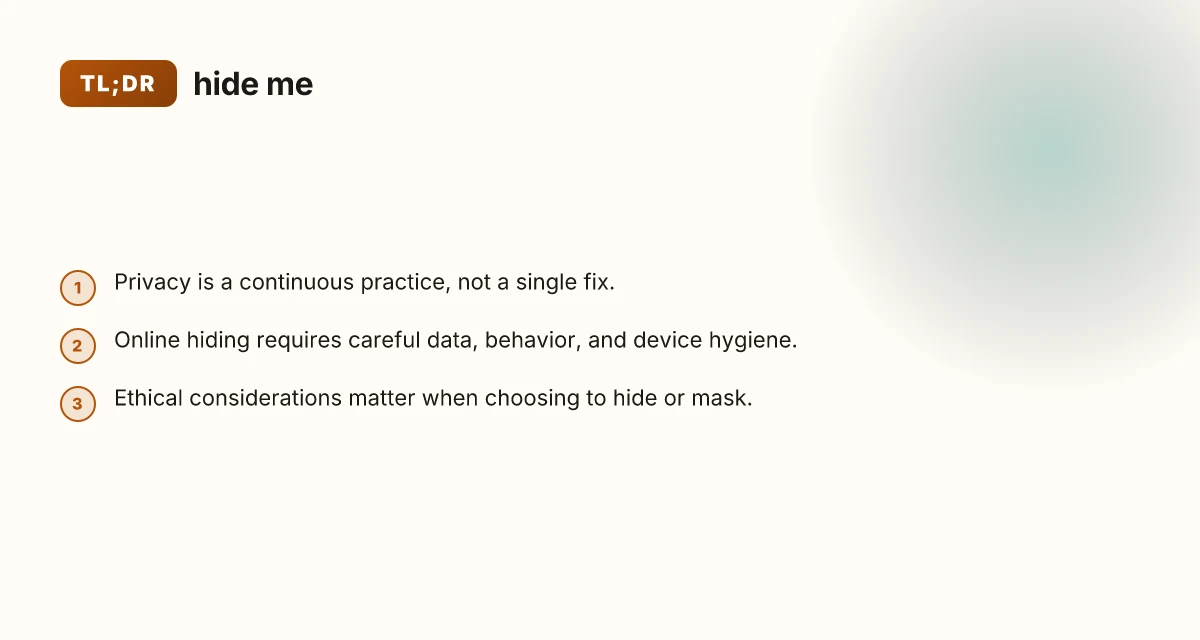
- Privacy is a spectrum: from minimal profiling to near-total anonymity, depending on how you configure things.
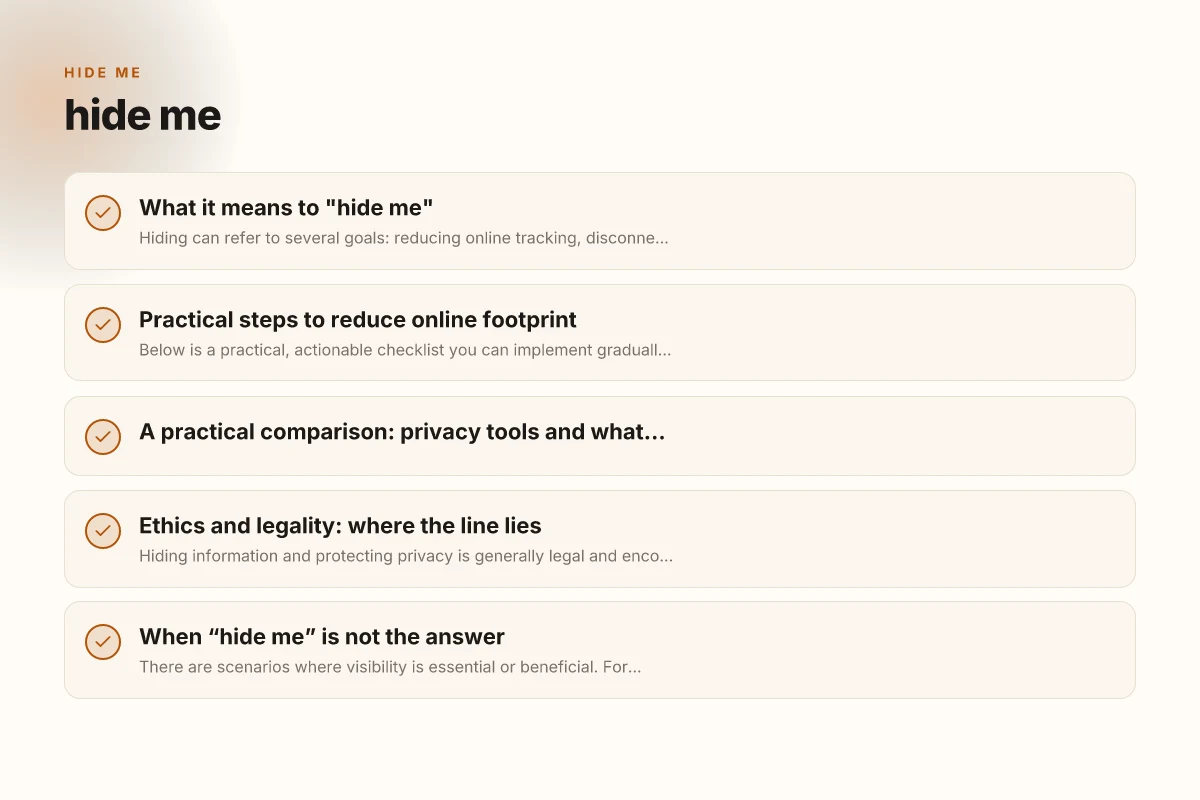
Practical steps to reduce online footprint
Below is a practical, actionable checklist you can implement gradually.
1) Browser hygiene
- Use privacy-focused browsers or modes (e.g., Private/Incognito as a safety net, but not a complete shield).
- Install tracker blockers and script blockers with caution. Some sites won’t work without scripts.
- Regularly clear cookies, cache, and site data, or use a dedicated privacy profile.
- Disable personalized ads in account settings when available.
2) Search and browsing strategies
- Prefer privacy-preserving search engines (e.g., ones that don’t log you).
- Be mindful of location data. Disable location sharing for sensitive searches.
- Consider dual-use accounts: one for daily tasks and one for privacy-focused activities.
- Use VPNs where appropriate, noting that VPNs shift trust rather than eliminate data exposure.
3) Social media and identity visibility
- Review privacy settings to limit who can see posts, friends, and profile details.
- Use alias or minimal profile information if you don’t want to be easily found.
- Regularly audit connected apps and revoke access to those you don’t use.
- Be cautious about posting contextual clues (locations, routines, schedules).
4) Device and network hygiene
- Update devices promptly to protect against exploits that could leak data.
- Use strong, unique passwords and enable multi-factor authentication (MFA).
- Encrypt devices and back up data securely.
- On public networks, prefer encrypted connections (HTTPS) and consider VPN use for sensitive activity.
5) Email and communications
- Use end-to-end encrypted messaging apps when possible for sensitive conversations.
- Be careful with email addresses tied to real identities. Consider aliases for signups.
- Turn on two-factor authentication and review sign-in activity periodically.
- Watch for phishing and social engineering. Verify unexpected contactors.
6) Physical environment and behavior
- Be mindful of physical surveillance: cameras, people taking photos, or even casual conversations in public.
- If you need to avoid being tracked in public spaces, consider avoiding predictable routines.
- Use privacy screens on devices in crowded places to limit shoulder-surfing.
- Be conscious of how you carry devices. Bags, pockets, and chargers can reveal patterns.
7) Data minimization and retention
- Only share essential information when required.
- Limit how long you keep data on devices and in accounts.
- Regularly audit accounts for old data, contacts, or posts that no longer need to exist.
- Understand data retention policies of services you use.
A practical comparison: privacy tools and what they do
| Tool/Strategy | What it helps with | Trade-offs / caveats | Best use case |
|---|---|---|---|
| Privacy-focused browser profile | Reduces tracking by default | Some sites break; you may need to adjust settings | Everyday browsing with reduced profiling |
| VPN | Masks IP and geography from servers | Does not anonymize behavior on sites you log into; trust in provider | Public Wi-Fi, location-sensitive access |
| Alias or secondary email | Reduces linkage to real identity | Recovery options may be harder | Signing up for newsletters or services you want to keep separate |
| End-to-end encrypted apps | Protects message content | Requires both ends on same app; metadata may still exist | Personal or sensitive conversations |
| Anti-tracking extensions | Limits ad trackers and some fingerprinting | Can slow browsing; site compatibility issues | Routine web browsing |
| Full-disk encryption | Protects data if device is stolen | Doesn’t anonymize online activity | Laptops and mobile devices with sensitive data |
Ethics and legality: where the line lies
Hiding information and protecting privacy is generally legal and encouraged, but there are boundaries. Activities intended to evade law enforcement, commit fraud, or facilitate harm are not acceptable and can be illegal. When you hide, you’re often aiming to protect personal data, avoid oversharing, or prevent profiling, not to commit wrongdoing. If you’re unsure, consult local laws or seek legal counsel.
- Privacy is a right in many places, but misuse has consequences.
- Corporate policies can require transparency. Align your privacy practices with work rules.
- If you’re protecting yourself from harassment or stalking, there are specific legal avenues and resources to pursue.
When “hide me” is not the answer
There are scenarios where visibility is essential or beneficial. For example, in professional contexts, some transparency aids trust and accountability. In communities, being open about interests can help you find support and connection. The aim isn’t to vanish but to control exposure and consent. Hide IP VPN: How to Protect Your Privacy Online
- Consider the purpose of visibility: safety, consent, or collaboration often benefits from openness.
- If concealment would cause harm or illegal activity, avoid it and seek safer alternatives or professional advice.
- When in doubt, start with non-invasive privacy measures and expand as needed.
Final section: a practical recommendation to start today
If you’re looking to begin hiding less of your data and more of your data’s misuse, start with a small, sustainable plan. Pick one platform you use daily and implement two privacy improvements there. Then repeat with another platform in a couple of weeks.
A suggested starter plan:
- Week 1: Clean your primary browser profile. Disable unnecessary trackers, clear cookies, and enable a privacy-focused mode.
- Week 2: Audit your social accounts. Tighten privacy settings, review third-party apps, and consider an alias for non-essential activities.
- Week 3: Encrypt your devices and enable MFA across critical accounts. Install a trusted VPN for sensitive traffic on public networks.
- Week 4: Normalize privacy habits. Use encrypted messaging for sensitive conversations and minimize personal data shared in new signups.
By approaching privacy as a steady practice rather than a single trick, you’ll reduce exposure while maintaining the ability to access the services you rely on. Remember: the goal of hiding me is to protect your personal information and safety, not to disappear from the world.