Free VPN trial in malaysia
A clear guide to finding and using free VPN trials in Malaysia, with tips, risks, and alternatives.
Finding a free VPN trial in Malaysia Many VPN providers offer free trials or limited-time money-back guarantees. These options let you test servers, speeds, stability, and features before committing to a paid plan. In Malaysia, where internet access is widespread and streaming and privacy concerns are common, a free VPN trial can help you verify that a service meets your needs without upfront cost.

Why you might want a free VPN trial
- Test speed and reliability: See if the VPN maintains acceptable speeds on local Malaysian servers and international routes.
- Verify features: Check kill switch, split tunneling, obfuscated servers, malware/blocking features, and platform support.
- Assess privacy and logging: Confirm the provider’s privacy policy and whether data is collected or logged.
- Check compatibility: Ensure the VPN works with your devices and apps (PC, Android, iOS, routers).
- Try streaming and bypassing geo-blocks: Some services unlock regional content. A test run helps confirm this.
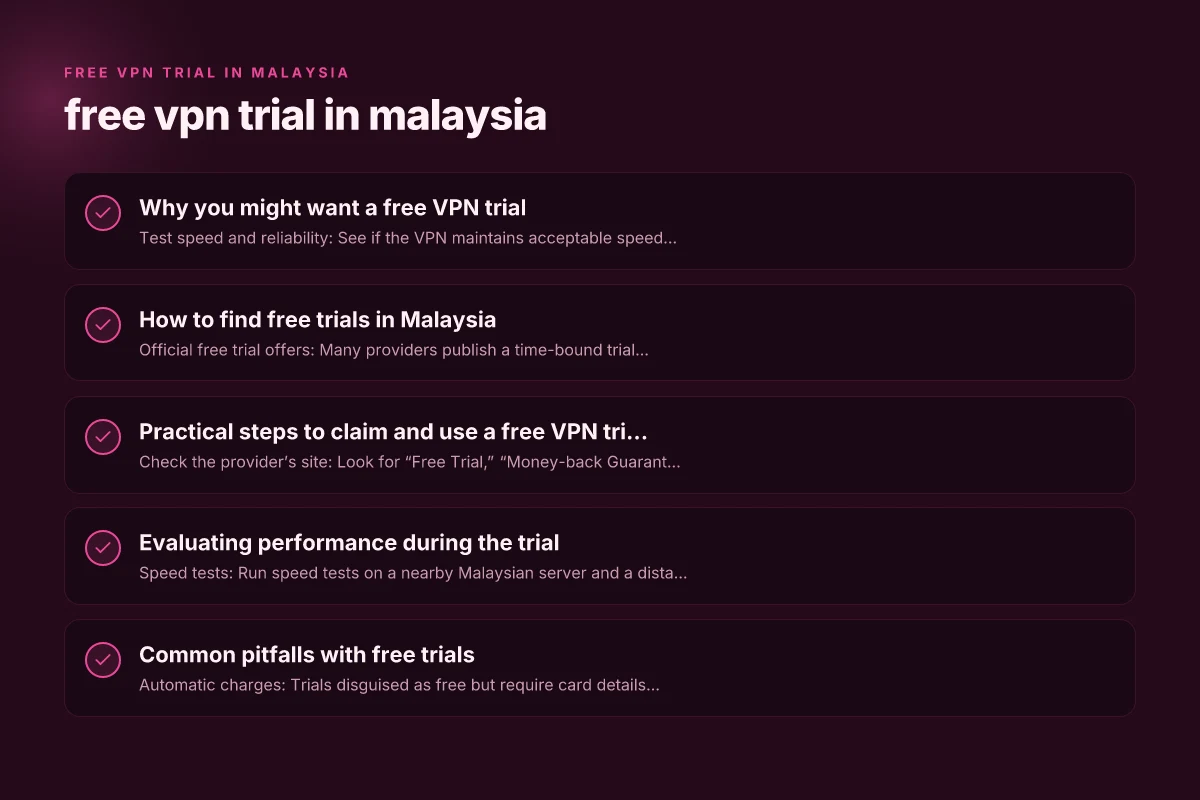
How to find free trials in Malaysia
- Official free trial offers: Many providers publish a time-bound trial (7–30 days) with full features or select features.
- Money-back guarantees: Some services offer a 7–30 day money-back guarantee rather than a “free trial.” You pay upfront but can request a refund.
- Student or developer promos: Occasional discounts or extended trials for students or developers.
- Regional promotions: Some providers tailor trials for Southeast Asia, including Malaysia, with localized pricing and terms.
- Free plans with limits: A few VPNs provide a perpetual free tier with data caps and limited servers.
What to watch for in terms and conditions
- Data requirements: Some trials require credit card details, which might trigger automatic charges if you forget to cancel.
- Trial duration: Note the exact end date/time and whether extensions are possible.
- Feature access: Some trials limit features like streaming, torrenting, or number of devices.
- Data usage caps: Check if there is a daily or monthly data cap during the trial.
Practical steps to claim and use a free VPN trial
- Check the provider’s site: Look for “Free Trial,” “Money-back Guarantee,” or “30-day trial” labels.
- Prepare payment details: If required, use a temporary method or set a reminder to cancel.
- Create an account: You may need to sign up with an email address. Some providers allow guest access.
- Test on multiple devices: Install apps on your phone, tablet, and computer to gauge cross-platform performance.
- test real-use scenarios: streaming, gaming, secure browsing on public Wi-Fi, or accessing geo-restricted content.
Evaluating performance during the trial
- Speed tests: Run speed tests on a nearby Malaysian server and a distant server to see how latency and throughput behave.
- Stability: Note disconnects or server-switch frequency during typical usage.
- Privacy features: Verify kill switch, DNS leak protection, and automatic reconnection behavior.
- Streaming compatibility: Try accessing popular streaming services and check for HD quality and reliability.
- Customer support responsiveness: Contact support with a common question to gauge responsiveness.
Common pitfalls with free trials
- Automatic charges: Trials disguised as free but require card details with automatic renewal.
- Limited servers: Free trials might offer only a handful of servers, which could affect performance.
- Data caps: Some trials cap data usage, limiting long-term testing.
- Privacy concerns: Some free VPNs monetize data or inject ads. Be cautious.
- Incomplete features: Some trials disable important features like kill switch or split tunneling.
A quick comparison: free trials vs money-back guarantees
| Aspect | Free Trial | Money-Back Guarantee |
|---|---|---|
| Cost | Free during trial | Pay upfront, refund possible |
| Duration | Fixed by provider (days) | Typically 7–30 days |
| Features | Often full or limited | Usually full features, but verify |
| Data usage | No guaranteed cap, depends | Uncapped by policy, but check terms |
| Cancellation risk | Low if you cancel before end | Must request refund in window |
Note: Free trials are convenient, but money-back guarantees can be more reliable for extended testing if a trial ends prematurely or has strict limits.
Privacy and security considerations for Malaysian users
- Logs and data handling: Prefer providers with no-logs policies and transparent privacy statements.
- Data jurisdiction: Some providers store data in jurisdictions with strong data protection laws. Consider your privacy goals.
- Ad and tracker protections: Ensure the VPN doesn’t inject ads or track your usage for monetization.
- Government and network policies: Be mindful of local laws and your organization’s policies regarding VPN use.
Which free trial options are most suitable for Malaysia-based users
- Local server presence: A provider with Malaysian or nearby Singapore/Indonesia servers can offer better speeds.
- Strong privacy stance: Choose vendors with clear no-logs commitments and independent audits if possible.
- Broad device support: If you use multiple devices (Android, iOS, Windows, Mac, router), select a provider with wide compatibility.
- Streaming support: If bypassing geo-blocks is important, verify the ability to access services like Netflix, Hulu, or regional platforms during the trial.
Practical recommendations and best practices
- Start with well-known brands that offer trials: They tend to have clearer terms and robust security.
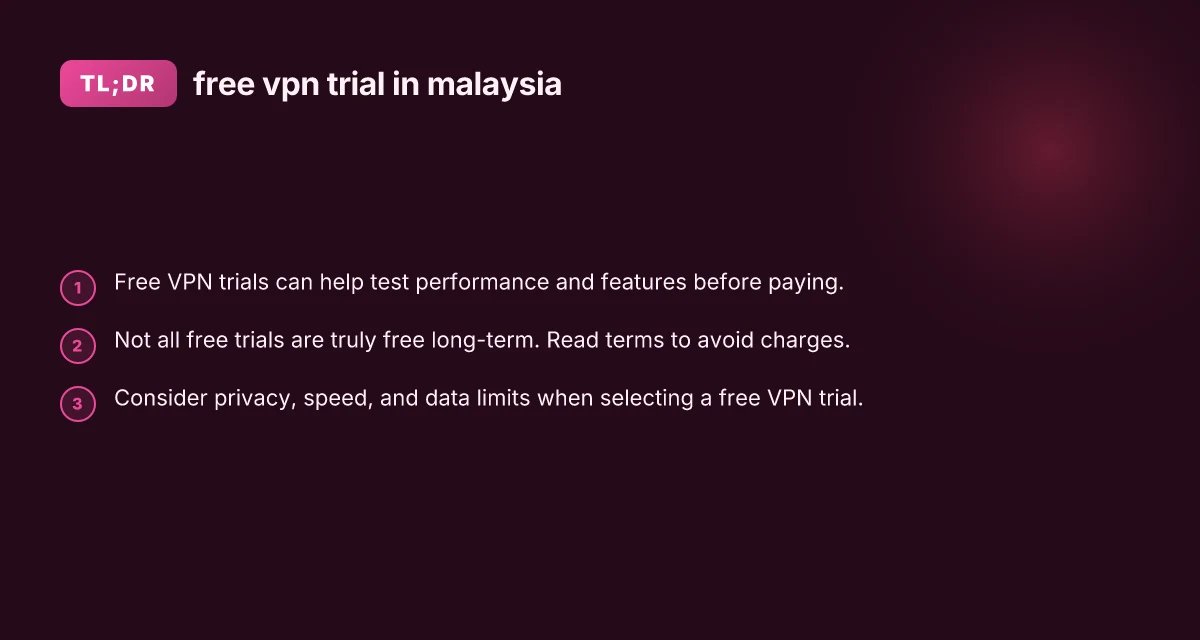
- Read the fine print: Don’t assume a trial is free forever. Know when it ends and how to cancel.
- Use a dedicated email for trials: This helps manage subscriptions and reduces spam.
- Set calendar reminders: Before the trial ends, decide whether to upgrade, switch providers, or cancel.
- Cancel carefully: Follow the provider’s process to avoid unwanted charges.
Quick tips to maximize the trial experience
- Test at different times: Try peak hours and off-peak hours to gauge speed and reliability.
- Use multiple servers: Switch between servers to test performance variability.
- check IP leaks: Use websites that check DNS, IPv6, and WebRTC leaks to ensure protection is active.
- Evaluate user experience: Look at the app interface, ease of use, and customer support channels.
Alternatives if a free trial doesn’t meet your needs
- Free VPNs with limitations: Some offer data caps or fewer servers. Be aware of potential privacy concerns.
- Open-source options: DIY VPN setups (like using your own server or a trusted provider) give you more control but require technical setup.
- Short-term discounts: Look for limited-time promotions or student discounts that reduce cost without compromising privacy.
- Browser-based options: In some cases, privacy-focused browsers or extensions can complement a VPN, though they are not substitutes for a full VPN.
Final recommendation
If you’re in Malaysia and want to test a VPN without initial commitment, start with a reputable provider that offers a clear free trial or a solid money-back guarantee. Prioritize privacy, ensure Malaysian or nearby servers for speed, and verify features that matter to you (kill switch, DNS leak protection, and device compatibility). Always read the terms to avoid unexpected charges, and use the trial to thoroughly assess performance in your typical use cases, streaming, gaming, secure browsing on public networks, and accessing region-restricted content. If the trial proves satisfactory, you can then decide whether to subscribe, switch providers for better value, or maintain a longer-term plan with a trusted service.
| VPN | Obfuscation | From / month | Plan | Free plan | Refund | Alipay | UnionPay | Crypto | Website opens in China | Trustpilot | |
|---|---|---|---|---|---|---|---|---|---|---|---|
 ZoogVPN | Turn on manually Shadow | $2.49/mo | 27 months: $59.99 | Yes | 7 days | ✓ | ✓ | ✓ | ✓ | Official site blocked; our special link opens (4.4 s) | 4.2/5 (195 reviews) |
 NordVPN | Turn on manually Obfuscated Servers / NordWhisper | $3.49/mo | 27 months: $94.23 | No | 30 days | ? | ✗ | ✓ | ✓ | ✗ Blocked | 4.2/5 (51,628 reviews) |
 ExpressVPN | ✓ On by default all servers | $3.00/mo | 28 months: $84 | No | 30 days | ✗ | ✗ | ✓ | ✗ | ✗ Blocked | 4.4/5 (29,706 reviews) |
 Surfshark | ✓ On by default Camouflage, with OpenVPN | See site | See site | No | 30 days | ✗ | ✗ | ✗ | ✓ | ✗ Blocked | 4.3/5 (31,823 reviews) |
 Proton VPN | Turn on manually Stealth, free plan too | $2.99/mo | 12 months: $35.88 | Yes | 30 days | ✗ | ✗ | ✗ | ✓ | ✗ Blocked | 2.1/5 (1,040 reviews) |
 Astrill VPN | Turn on manually StealthVPN / OpenWeb | $12.50/mo | 24 months: $300 | No | See site | ✗ | ✗ | ✗ | ✓ | ✗ Blocked | 1.3/5 (110 reviews) |
 Private Internet Access | Turn on manually Shadowsocks, OpenVPN only | $2.03/mo | 40 months: $81.2 | No | 30 days | ✗ | ✗ | ✗ | ✗ | ✗ Blocked | 4.2/5 (11,033 reviews) |
 CyberGhost | Turn on manually selected servers | $2.19/mo | 28 months: $61.32 | No | 45 days | ✗ | ✗ | ✗ | ✓ | ✗ Blocked | 4.0/5 (24,178 reviews) |
 PureVPN | Turn on manually switch to OpenVPN | $1.69/mo | 60 months: $101.55 | No | 31 days | ? | ? | ✗ | ✓ | ✗ Blocked | 4.4/5 (17,994 reviews) |
 AdGuard VPN | ✓ On by default TrustTunnel | $2.99/mo | 24 months: $71.76 | Yes | 30 days | ✓ | ✗ | ✓ | ✓ | Official site blocked; our special link opens (3.7 s) | 4.3/5 (290 reviews) |
 Mullvad | Turn on manually QUIC / Shadowsocks / LWO | $5.61/mo | €5/mo | No | 14 days | ✗ | ✗ | ✗ | ✓ | ✗ Blocked | 3.2/5 (192 reviews) |
 Windscribe | Turn on manually Stealth / WStunnel | $5.75/mo | 12 months: $69 | Yes | See site | ✗ | ✗ | ✗ | ✓ | ✗ Blocked | 4.7/5 (13,355 reviews) |
 StrongVPN | Turn on manually Scramble, OpenVPN TCP | See site | See site | No | 30 days | ✓ | ✗ | ✗ | ✗ | ✗ Blocked | 4.4/5 (2,695 reviews) |
 LightXtreme 闪连 | Not listed | $7.08/mo | 12 months: $84.99 | Yes | 30 days | ✓ | ✓ | ✓ | ✓ | ✓ Yes (3.5 s) | No page |
Prices checked 2026-11-10 on each vendor's pricing page (cheapest long plan, USD). Check the vendor's checkout for the final price.
Obfuscation checked 2026-11-14 on each vendor's site and help center: "on by default" = nothing to set; "turn on manually" = switch protocol or mode in settings; "not listed" = the vendor describes no obfuscation.
Payment methods checked 2026-11-10 on each vendor's payment pages: all 14 take cards and PayPal; ✗ = not listed, ? = the vendor's own pages disagree.
China access: whether the official website opens from mainland China networks (tests the website only, not the VPN connection). Last checked 2026-11-18 01:02 Beijing time.
Trustpilot score and review count checked 2026-11-10.