Free VPN trial in israel
A practical guide to finding and using free VPN trials in Israel, with tips, limits, and safety considerations.
Open access to the internet is easy in Israel, but there are times when you might want to test a VPN before subscribing. A free VPN trial can help you gauge speeds, server locations, streaming capabilities, and privacy policies. This article answers the key question: how to find and use a free VPN trial in Israel, what to expect, and how to stay safe while testing.

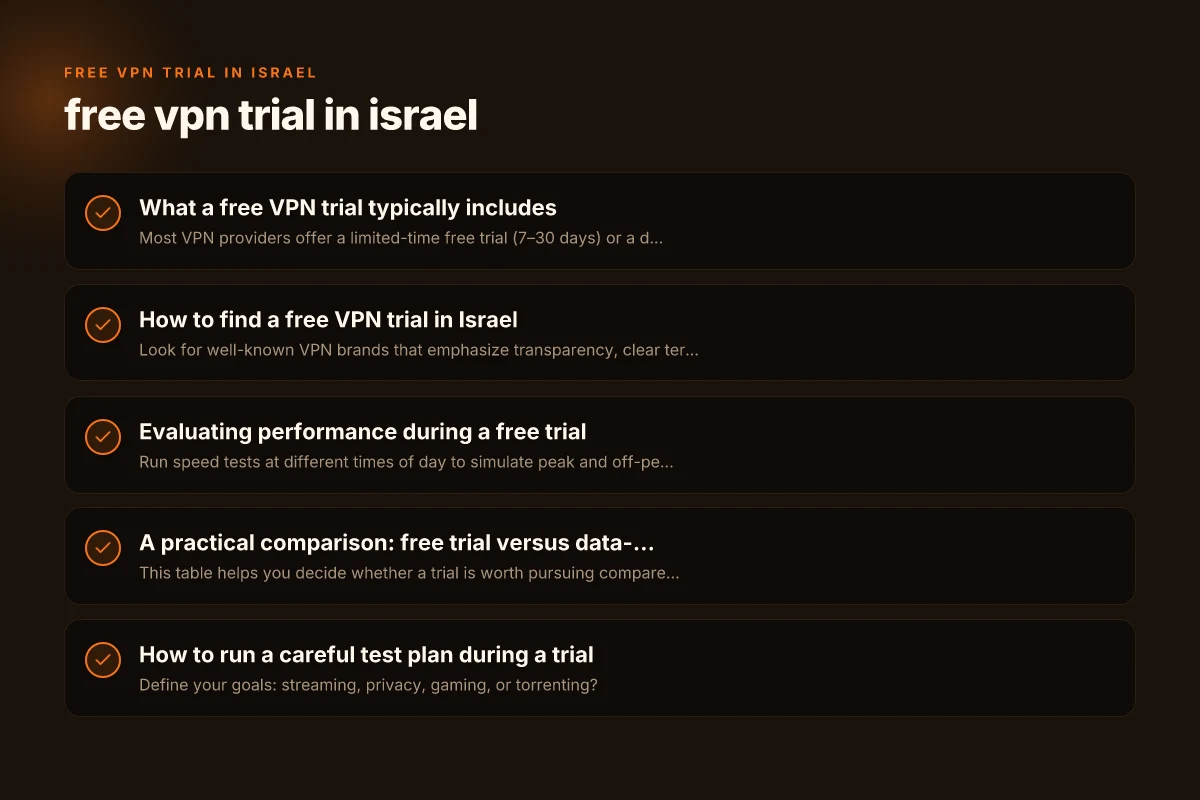
What a free VPN trial typically includes
How trials work
Most VPN providers offer a limited-time free trial (7–30 days) or a data-limited free plan. The goal is to let you sample the service without paying upfront. In Israel, where many services are geo-restricted or require reliable connection to protect privacy, a trial can help you verify:
- connection stability across Israeli servers and international servers
- speeds suitable for streaming, gaming, or video conferencing
- access to geo-blocked content not available locally
- the provider's privacy policy and logging practices
Common limits to expect
- Data caps: some trials restrict you to a fixed data amount (e.g., 500 MB to 3 GB).
- Speed throttling: some trials limit peak speeds to ensure fair use.
- Server access: not all servers may be available during the trial.
- Feature access: kill switch, split tunneling, DNS leak protection may or may not be included.
How to find a free VPN trial in Israel
Start with reputable providers
Look for well-known VPN brands that emphasize transparency, clear terms, and robust security. Reputable providers offer trials or money-back guarantees with straightforward cancellation. Some popular choices globally include:
- ExpressVPN
- NordVPN
- CyberGhost
- Surfshark
- Proton VPN
Note: availability of a free trial can vary by region and may require a payment method for verification. Always read the country-specific terms.
Local considerations in Israel
- Some services optimize servers for the Middle East region, but not all provide Israeli servers in the trial tier.
- If you need access to local content or Israel-based streaming libraries, verify that the trial includes Israeli servers.
- Israel has strong data protection regulations. Ensure the provider’s privacy policy aligns with local expectations.
What to look for in the checkout or sign-up flow
- Clear trial duration and cancellation steps
- No automatic charges after the trial ends (or an easy opt-out)
- A straightforward way to contact support if you run into issues
- Availability of customer reviews mentioning reliability in Israel
Evaluating performance during a free trial
Testing speeds and reliability
- Run speed tests at different times of day to simulate peak and off-peak usage.
- Try streaming a video, joining a video call, and playing an online game to test latency and stability.
- Compare speeds on local Israeli servers vs. overseas servers to see if the VPN meets your needs.
Privacy and security checks
- Ensure the provider uses strong encryption (AES-256) and modern protocols (OpenVPN, WireGuard, or IKEv2).
- Look for a transparent no-logs policy and independent audits if possible.
- Check for features like a kill switch and DNS leak protection to prevent data leaks if the tunnel drops.
User experience during a trial
- A clean app interface with clear server selection helps you test quickly.
- Helpful support channels (live chat, email, knowledge base) reduce friction if you encounter issues.
- The ability to switch between devices (PC, smartphone, tablet) during the trial is a plus.
A practical comparison: free trial versus data-limited free plan
| Feature | Free trial (time-based) | Free plan (data-based) |
|---|---|---|
| Duration | Typically 7–30 days | Ongoing, often data-limited |
| Data limit | Unlimited within trial period | Fixed data cap (e.g., 1–5 GB) |
| Server access | Full access or subset during trial | Often limited to select servers |
| Speed | Full or near-full during trial | May be throttled |
| Features | Full features sometimes, but may vary | Basic features; advanced options may be restricted |
| Renewal | Ends when trial ends; requires payment method to continue | Continual until data cap is reached or plan changes |
| Privacy guarantees | Same policy as paid plan; verify | As per policy; may differ from premium |
This table helps you decide whether a trial is worth pursuing compared to a free plan. For testing local speed and privacy, a time-based trial often provides the best overall signal. Free VPN trial in isle of man
How to run a careful test plan during a trial
- Define your goals: streaming, privacy, gaming, or torrenting?
- Set up a baseline: test your normal connection without a VPN.
- Test multiple servers: choose a mix of local Israeli servers and international ones.
- Check streaming and blocking: attempt to access content normally restricted in your region.
- Note data usage: track how much data you consume and compare it to the data limit (if any).
- Review privacy details: read the privacy policy and look for third-party audits or transparency reports.
Common pitfalls when using free VPN trials
- Hidden costs: some trials require payment details upfront and auto-charge after the trial ends.
- Poor performance: many trials throttle speeds to prevent abuse. Results may not reflect a paid plan.
- Incomplete access: some features or servers are locked behind the paid tier even during a trial.
- Changes in policy: trial terms can change. Always read the latest terms before signing up.
- Security trade-offs: free trials may not include robust malware protection or advanced features like malware scanning.
Security and legal considerations in Israel
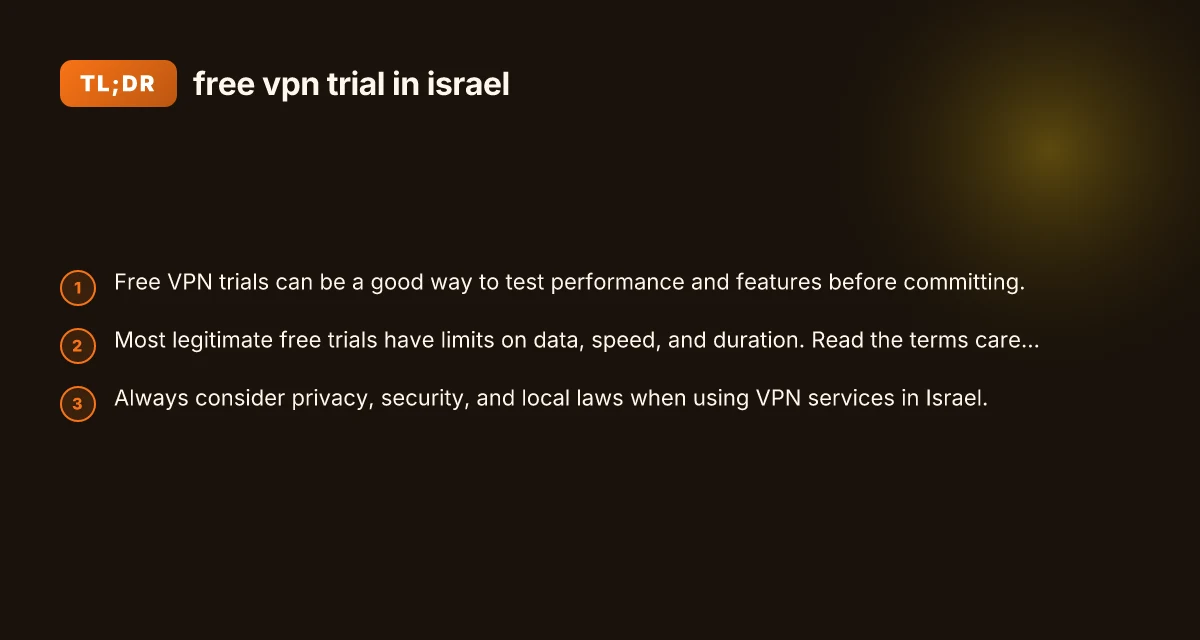
- Use reputable providers: stick to well-known brands with clear privacy commitments.
- Understand local regulations: while VPN use is common, ensure you are not engaging in illegal activities or illegal data interception.
- Data protection: Israel has robust data protection laws. A provider’s privacy stance should align with those protections.
- Avoid free VPNs with questionable history: some free services monetize user data or inject ads, which undermines privacy goals.
How to move from a free trial to a paid plan (if you decide to subscribe)
- Evaluate value: does the paid plan meet your speed, privacy, and server needs better than the trial?
- Look for regional deals: some providers offer regional discounts or student plans.
- Check refund windows: many providers offer a 7–30 day money-back guarantee even after subscribing, giving you a safety net.
- Set up payment reminders: ensure you cancel if you don’t want to continue after the trial ends or the initial period.
Alternatives if a free VPN trial isn’t right for you
- Freemium VPNs with limited data can be a stopgap, but check their privacy policies.
- Browser-based VPN extensions can offer quick privacy for browsing, though they often have weaker security and may leak IP addresses.
- Privacy-focused browsers and DNS over HTTPS/DoH can reduce tracking without a VPN.
- A paid plan with a generous money-back guarantee lets you trial risk-free with longer confidence.
Final recommendation
If you are specifically seeking a free VPN trial in Israel, start by listing a few reputable providers and verify whether they offer a time-limited trial that includes Israeli servers or broad international coverage. Prioritize trials that allow you to test essential tasks for your use case, streaming, conferencing, or secure browsing, without data or featureRestrictions that undermine the test. During the trial, assess speed, reliability, and privacy practices. If you find a provider that meets your needs, consider their paid plan with a refundable guarantee if you change your mind. If not, use the trial experience to inform a switch to a different service or a longer-term privacy strategy.
| VPN | Obfuscation | From / month | Plan | Free plan | Refund | Alipay | UnionPay | Crypto | Website opens in China | Trustpilot | |
|---|---|---|---|---|---|---|---|---|---|---|---|
 ExpressVPN | ✓ On by default all servers | $3.00/mo | 28 months: $84 | No | 30 days | ✗ | ✗ | ✓ | ✗ | ✗ Blocked | 4.4/5 (29,706 reviews) |
 NordVPN | Turn on manually Obfuscated Servers / NordWhisper | $3.49/mo | 27 months: $94.23 | No | 30 days | ? | ✗ | ✓ | ✓ | ✗ Blocked | 4.2/5 (51,628 reviews) |
 CyberGhost | Turn on manually selected servers | $2.19/mo | 28 months: $61.32 | No | 45 days | ✗ | ✗ | ✗ | ✓ | ✗ Blocked | 4.0/5 (24,178 reviews) |
 Surfshark | ✓ On by default Camouflage, with OpenVPN | See site | See site | No | 30 days | ✗ | ✗ | ✗ | ✓ | ✗ Blocked | 4.3/5 (31,823 reviews) |
 Proton VPN | Turn on manually Stealth, free plan too | $2.99/mo | 12 months: $35.88 | Yes | 30 days | ✗ | ✗ | ✗ | ✓ | ✗ Blocked | 2.1/5 (1,040 reviews) |
 ZoogVPN | Turn on manually Shadow | $2.49/mo | 27 months: $59.99 | Yes | 7 days | ✓ | ✓ | ✓ | ✓ | Official site blocked; our special link opens (4.4 s) | 4.2/5 (195 reviews) |
 Astrill VPN | Turn on manually StealthVPN / OpenWeb | $12.50/mo | 24 months: $300 | No | See site | ✗ | ✗ | ✗ | ✓ | ✗ Blocked | 1.3/5 (110 reviews) |
 Private Internet Access | Turn on manually Shadowsocks, OpenVPN only | $2.03/mo | 40 months: $81.2 | No | 30 days | ✗ | ✗ | ✗ | ✗ | ✗ Blocked | 4.2/5 (11,033 reviews) |
 PureVPN | Turn on manually switch to OpenVPN | $1.69/mo | 60 months: $101.55 | No | 31 days | ? | ? | ✗ | ✓ | ✗ Blocked | 4.4/5 (17,994 reviews) |
 AdGuard VPN | ✓ On by default TrustTunnel | $2.99/mo | 24 months: $71.76 | Yes | 30 days | ✓ | ✗ | ✓ | ✓ | Official site blocked; our special link opens (3.7 s) | 4.3/5 (290 reviews) |
 Mullvad | Turn on manually QUIC / Shadowsocks / LWO | $5.61/mo | €5/mo | No | 14 days | ✗ | ✗ | ✗ | ✓ | ✗ Blocked | 3.2/5 (192 reviews) |
 Windscribe | Turn on manually Stealth / WStunnel | $5.75/mo | 12 months: $69 | Yes | See site | ✗ | ✗ | ✗ | ✓ | ✗ Blocked | 4.7/5 (13,355 reviews) |
 StrongVPN | Turn on manually Scramble, OpenVPN TCP | See site | See site | No | 30 days | ✓ | ✗ | ✗ | ✗ | ✗ Blocked | 4.4/5 (2,695 reviews) |
 LightXtreme 闪连 | Not listed | $7.08/mo | 12 months: $84.99 | Yes | 30 days | ✓ | ✓ | ✓ | ✓ | ✓ Yes (3.5 s) | No page |
Prices checked 2026-11-10 on each vendor's pricing page (cheapest long plan, USD). Check the vendor's checkout for the final price.
Obfuscation checked 2026-11-14 on each vendor's site and help center: "on by default" = nothing to set; "turn on manually" = switch protocol or mode in settings; "not listed" = the vendor describes no obfuscation.
Payment methods checked 2026-11-10 on each vendor's payment pages: all 14 take cards and PayPal; ✗ = not listed, ? = the vendor's own pages disagree.
China access: whether the official website opens from mainland China networks (tests the website only, not the VPN connection). Last checked 2026-11-18 01:02 Beijing time.
Trustpilot score and review count checked 2026-11-10.