Free VPN That Lets You Choose Location: What to Know
Compare free VPN options for choosing a country, understand their limits, and pick one that fits your privacy needs.
If you want a free VPN that lets you choose a location, look first at providers that clearly list selectable countries on their free plans. Recent comparisons name PrivadoVPN and Windscribe as options with country selection, while Proton VPN’s free plan emphasizes unlimited data, no ads, and no activity logs, but those features do not necessarily mean you can freely choose any country. Free plans change, so confirm the current server list and restrictions before downloading.
Editor's pick: NordVPN — fast, secure VPN — Strong encryption, a no-logs policy and apps for every device. 30-day money-back guarantee. Get NordVPN →
Compare free VPN options by location choice and limitations
| Option | Choose a country | Choose a city | Free-plan limits | Best fit |
|---|---|---|---|---|
| Proton VPN Free | Limited locations | Not specified | Free-plan restrictions apply | Privacy-focused browsing |
| Windscribe Free | Select locations | Not specified | Monthly data limit | Occasional use |
| PrivadoVPN Free | Select locations | Not specified | Monthly data limit | Trying a few locations |
| TunnelBear Free | Select locations | Not specified | Limited monthly data | Light, occasional use |
| Free VPN browser extension | Often limited | Rarely supported | May cover browser traffic only | Browser-only tasks |
| Paid VPN plan | Usually supported | Often supported | Subscription required | Broader location choice |
Compiled November 2026; check the provider's site for current details.
| VPN | Obfuscation | From / month | Plan | Free plan | Refund | Alipay | UnionPay | Crypto | Website opens in China | Trustpilot | |
|---|---|---|---|---|---|---|---|---|---|---|---|
 Windscribe | Turn on manually Stealth / WStunnel | $5.75/mo | 12 months: $69 | Yes | See site | ✗ | ✗ | ✗ | ✓ | ✗ Blocked | 4.7/5 (13,355 reviews) |
 Proton VPN | Turn on manually Stealth, free plan too | $2.99/mo | 12 months: $35.88 | Yes | 30 days | ✗ | ✗ | ✗ | ✓ | ✗ Blocked | 2.1/5 (1,040 reviews) |
 ZoogVPN | Turn on manually Shadow | $2.49/mo | 27 months: $59.99 | Yes | 7 days | ✓ | ✓ | ✓ | ✓ | Official site blocked; our special link opens (4.4 s) | 4.2/5 (195 reviews) |
 NordVPN | Turn on manually Obfuscated Servers / NordWhisper | $3.49/mo | 27 months: $94.23 | No | 30 days | ? | ✗ | ✓ | ✓ | ✗ Blocked | 4.2/5 (51,628 reviews) |
 ExpressVPN | ✓ On by default all servers | $3.00/mo | 28 months: $84 | No | 30 days | ✗ | ✗ | ✓ | ✗ | ✗ Blocked | 4.4/5 (29,706 reviews) |
 Surfshark | ✓ On by default Camouflage, with OpenVPN | See site | See site | No | 30 days | ✗ | ✗ | ✗ | ✓ | ✗ Blocked | 4.3/5 (31,823 reviews) |
 Astrill VPN | Turn on manually StealthVPN / OpenWeb | $12.50/mo | 24 months: $300 | No | See site | ✗ | ✗ | ✗ | ✓ | ✗ Blocked | 1.3/5 (110 reviews) |
 Private Internet Access | Turn on manually Shadowsocks, OpenVPN only | $2.03/mo | 40 months: $81.2 | No | 30 days | ✗ | ✗ | ✗ | ✗ | ✗ Blocked | 4.2/5 (11,033 reviews) |
 CyberGhost | Turn on manually selected servers | $2.19/mo | 28 months: $61.32 | No | 45 days | ✗ | ✗ | ✗ | ✓ | ✗ Blocked | 4.0/5 (24,178 reviews) |
 PureVPN | Turn on manually switch to OpenVPN | $1.69/mo | 60 months: $101.55 | No | 31 days | ? | ? | ✗ | ✓ | ✗ Blocked | 4.4/5 (17,994 reviews) |
 AdGuard VPN | ✓ On by default TrustTunnel | $2.99/mo | 24 months: $71.76 | Yes | 30 days | ✓ | ✗ | ✓ | ✓ | Official site blocked; our special link opens (3.7 s) | 4.3/5 (290 reviews) |
 Mullvad | Turn on manually QUIC / Shadowsocks / LWO | $5.61/mo | €5/mo | No | 14 days | ✗ | ✗ | ✗ | ✓ | ✗ Blocked | 3.2/5 (192 reviews) |
 StrongVPN | Turn on manually Scramble, OpenVPN TCP | See site | See site | No | 30 days | ✓ | ✗ | ✗ | ✗ | ✗ Blocked | 4.4/5 (2,695 reviews) |
 LightXtreme 闪连 | Not listed | $7.08/mo | 12 months: $84.99 | Yes | 30 days | ✓ | ✓ | ✓ | ✓ | ✓ Yes (3.5 s) | No page |
Prices checked 2026-11-10 on each vendor's pricing page (cheapest long plan, USD). Check the vendor's checkout for the final price.
Obfuscation checked 2026-11-14 on each vendor's site and help center: "on by default" = nothing to set; "turn on manually" = switch protocol or mode in settings; "not listed" = the vendor describes no obfuscation.
Payment methods checked 2026-11-10 on each vendor's payment pages: all 14 take cards and PayPal; ✗ = not listed, ? = the vendor's own pages disagree.
China access: whether the official website opens from mainland China networks (tests the website only, not the VPN connection). Last checked 2026-11-18 01:02 Beijing time.
Trustpilot score and review count checked 2026-11-10.
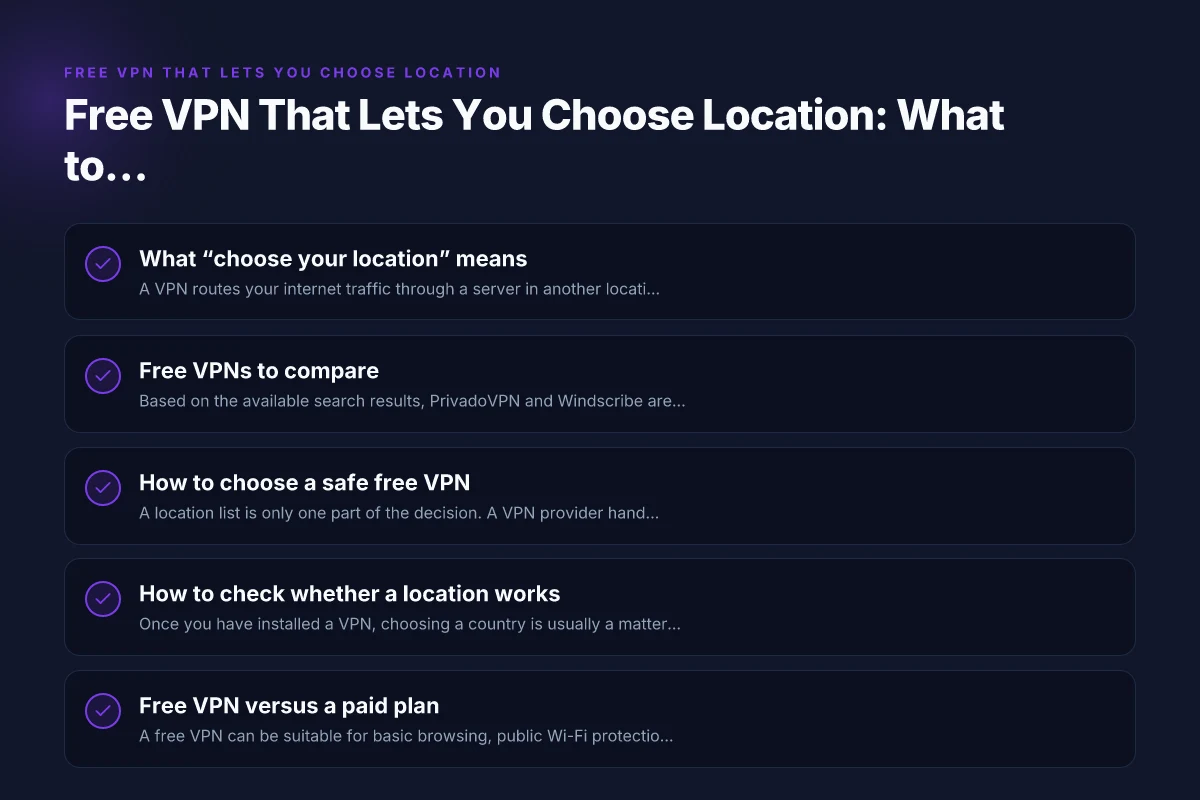
What “choose your location” means
A VPN routes your internet traffic through a server in another location. Websites and apps may then see the server’s IP address rather than your usual public IP address. This can help protect traffic on public Wi-Fi and may make your connection appear to come from a different country.
However, “choose a location” can mean different things:
- Selecting a country from a list of available free servers.
- Choosing a particular city or server within a country.
- Connecting to a location selected automatically by the app.
A free plan might allow country selection but restrict the number of countries, available servers, connection speeds, or monthly data. It may also reserve specific locations for paying subscribers. If you need a particular country, check the provider’s free-plan details rather than relying on a general claim that it “changes your location.”
Free VPNs to compare
Based on the available search results, PrivadoVPN and Windscribe are worth checking if choosing a country is your priority. Proton VPN is also notable for its free-plan privacy and data features, though you should verify whether its current free locations meet your needs. NordVPN Windows 10 VPN: How to Download, Install, and Connect
| VPN | What the available information says | What to check |
|---|---|---|
| PrivadoVPN | A recent comparison reports country selection across 11 countries on its free plan. | Confirm the current free server list, data limits, and whether your preferred country is included. |
| Windscribe | The same comparison reports country selection across 10 countries on its free plan. | Check current location availability and any limits that apply to free accounts. |
| Proton VPN | Its free-plan page says the plan has no data limit, no ads, and no logs of user activity. | Confirm which locations free users can select; unlimited data does not guarantee access to every country. |
These details can change. Treat country counts and plan descriptions as a starting point, then check the provider’s official website or app before signing up. A free VPN that offers several locations may still not include the specific country you want.
Check whether a free VPN is safe and suitable
| What to check | Good sign | Warning sign | Why it matters |
|---|---|---|---|
| Privacy policy | Clear data practices | Vague logging claims | Shows how data is handled |
| Independent audits | Public audit details | No verifiable evidence | Adds transparency |
| Business model | Clear free-plan funding | Unclear monetization | Free access still has costs |
| App permissions | Relevant permissions only | Unnecessary access requests | Limits exposure |
| Data limits | Clearly stated | Hidden restrictions | Helps avoid interruptions |
| Location list | Published and current | Ambiguous server labels | Confirms available choices |
| Traffic coverage | Device-wide VPN tunnel | Browser-only protection | Clarifies what is protected |
Compiled November 2026; check the provider's site for current details.
How to choose a safe free VPN
A location list is only one part of the decision. A VPN provider handles your internet traffic, so look for clear information about how it protects and uses that data. iPhone VPN: How to Choose, Set Up, and Use One
Before installing an app, check:
- Privacy policy: Look for a straightforward explanation of what data the service collects and how it is used.
- Logging claims: Understand what the provider means by “no logs.” Read the policy rather than relying on a slogan.
- Free-plan limits: Check data allowances, connection restrictions, and whether locations are available to free users.
- App source: Download from the provider’s official site or a trusted app store.
- Transparency: Prefer a service that clearly explains its ownership, features, and terms.
Avoid choosing a VPN solely because it promises access to every country for free. Be cautious with unfamiliar apps that provide little information about their operator or privacy practices. A free service still needs a way to operate, so it is worth understanding what the provider says about its business model and data handling.
How to check whether a location works
Once you have installed a VPN, choosing a country is usually a matter of opening the app, selecting an available server, and connecting. Then check whether your apparent IP location has changed using a reputable IP-checking website. This confirms the visible IP location, but it does not prove that all of your online activity is private or that every app will treat you as being in that country.
Keep these points in mind: Forti VPN: What It Is, How It Works, and Whether You Need It
- The displayed country may differ from the exact city you expected.
- A website may use other signals, such as account settings or device location.
- Streaming services and other platforms may block VPN connections or apply their own rules.
- A VPN does not make you anonymous or protect you from every online threat.
If a location is missing from the free list, do not assume the app is malfunctioning. The provider may reserve that server for paid users or may not offer it at all. Check the plan details and available locations in the app.
Decide whether a VPN location is working
| Check | How to test | What success looks like | If it fails |
|---|---|---|---|
| Server selection | Choose a listed location | App shows connected there | Try another listed server |
| Public IP | Check an IP lookup site | IP location matches the VPN choice | Reconnect and check again |
| DNS location | Use a DNS leak test | No unexpected local DNS location | Enable leak protection |
| WebRTC exposure | Run a WebRTC leak test | No unwanted real IP shown | Disable or limit WebRTC |
| Website access | Open the target service | Content or page loads as expected | Try another server |
| Connection stability | Browse for a short period | Connection stays active | Change server or protocol |
| App coverage | Test traffic outside the browser | Device traffic uses the VPN | Check split tunneling settings |
Compiled November 2026; check the provider's site for current details.
Free VPN versus a paid plan
A free VPN can be suitable for basic browsing, public Wi-Fi protection, or trying out a provider. The trade-off is that free plans often have fewer location choices or other restrictions. A paid plan may offer a broader selection, but it is not automatically the right choice: compare its terms, privacy policy, and features with what you actually need. F5 VPN Download: How to Get the Right Client
Ask yourself:
- Do I need one specific country, or will several options work?
- Is unlimited data important?
- Am I comfortable with the provider’s stated privacy practices?
- Does the free plan’s location list meet my needs today?
If country choice matters most, prioritize the current server list. If data limits matter more, compare those separately. Do not assume that one feature, such as unlimited data, means the plan also offers broad location selection.
Recommendation
For a free VPN that lets you choose a location, start by checking PrivadoVPN and Windscribe, which recent comparisons identify as free options with selectable countries. Consider Proton VPN if its stated unlimited data and privacy features are appealing, but verify its available free locations first. In every case, confirm the current terms and country list before installing: the best choice is the trustworthy service whose free plan actually includes the location you need.