Equalvpn: What It Offers and Who It May Suit
Learn what equalvpn says it offers, how static residential IPs work, and what to check before choosing a plan.
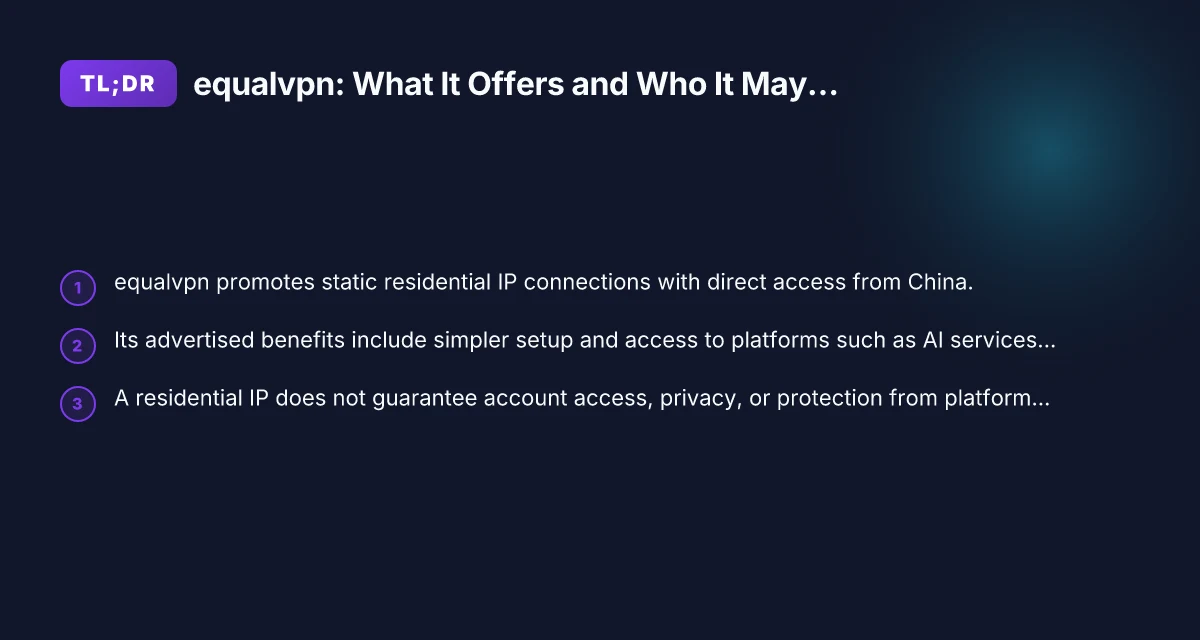
equalvpn is a service that advertises static residential IP connections, direct access from China, and a simpler setup than building a chained network configuration yourself. It may appeal to people who need a consistent IP address for online services, but its marketing claims should be checked against your own needs and the terms of the platforms you use.
Editor's pick: NordVPN — fast, secure VPN — Strong encryption, a no-logs policy and apps for every device. 30-day money-back guarantee. Get NordVPN →
Compare connection options commonly discussed alongside static residential IPs
| Option | IP stability | Typical use | Possible benefit | Trade-off |
|---|---|---|---|---|
| Static residential IP | Fixed residential address | Consistent access | Residential address stays the same | Availability and terms may vary |
| Rotating residential IP | Residential addresses change | Tasks needing varied addresses | Greater address variety | Less continuity |
| Datacenter IP | Server-hosted address | General online services | Often straightforward to deploy | May be treated differently from residential IPs |
| Mobile IP | Mobile-network address | Mobile-oriented services | Uses a mobile connection | Coverage and access can vary |
| Shared VPN IP | Address used by multiple users | General browsing | No dedicated address required | Other users share the address |
| Dedicated VPN IP | Address assigned to one user | Consistent access | More exclusive use | May cost extra |
| Proxy service | Traffic routed through a proxy | Specific apps or workflows | Can offer targeted routing | Features and protections depend on provider |
Compiled November 2026; check the provider's site for current details.
| VPN | Obfuscation | From / month | Plan | Free plan | Refund | Alipay | UnionPay | Crypto | Website opens in China | Trustpilot | |
|---|---|---|---|---|---|---|---|---|---|---|---|
 ZoogVPN | Turn on manually Shadow | $2.49/mo | 27 months: $59.99 | Yes | 7 days | ✓ | ✓ | ✓ | ✓ | Official site blocked; our special link opens (4.4 s) | 4.2/5 (195 reviews) |
 NordVPN | Turn on manually Obfuscated Servers / NordWhisper | $3.49/mo | 27 months: $94.23 | No | 30 days | ? | ✗ | ✓ | ✓ | ✗ Blocked | 4.2/5 (51,628 reviews) |
 ExpressVPN | ✓ On by default all servers | $3.00/mo | 28 months: $84 | No | 30 days | ✗ | ✗ | ✓ | ✗ | ✗ Blocked | 4.4/5 (29,706 reviews) |
 Surfshark | ✓ On by default Camouflage, with OpenVPN | See site | See site | No | 30 days | ✗ | ✗ | ✗ | ✓ | ✗ Blocked | 4.3/5 (31,823 reviews) |
 Proton VPN | Turn on manually Stealth, free plan too | $2.99/mo | 12 months: $35.88 | Yes | 30 days | ✗ | ✗ | ✗ | ✓ | ✗ Blocked | 2.1/5 (1,040 reviews) |
 Astrill VPN | Turn on manually StealthVPN / OpenWeb | $12.50/mo | 24 months: $300 | No | See site | ✗ | ✗ | ✗ | ✓ | ✗ Blocked | 1.3/5 (110 reviews) |
 Private Internet Access | Turn on manually Shadowsocks, OpenVPN only | $2.03/mo | 40 months: $81.2 | No | 30 days | ✗ | ✗ | ✗ | ✗ | ✗ Blocked | 4.2/5 (11,033 reviews) |
 CyberGhost | Turn on manually selected servers | $2.19/mo | 28 months: $61.32 | No | 45 days | ✗ | ✗ | ✗ | ✓ | ✗ Blocked | 4.0/5 (24,178 reviews) |
 PureVPN | Turn on manually switch to OpenVPN | $1.69/mo | 60 months: $101.55 | No | 31 days | ? | ? | ✗ | ✓ | ✗ Blocked | 4.4/5 (17,994 reviews) |
 AdGuard VPN | ✓ On by default TrustTunnel | $2.99/mo | 24 months: $71.76 | Yes | 30 days | ✓ | ✗ | ✓ | ✓ | Official site blocked; our special link opens (3.7 s) | 4.3/5 (290 reviews) |
 Mullvad | Turn on manually QUIC / Shadowsocks / LWO | $5.61/mo | €5/mo | No | 14 days | ✗ | ✗ | ✗ | ✓ | ✗ Blocked | 3.2/5 (192 reviews) |
 Windscribe | Turn on manually Stealth / WStunnel | $5.75/mo | 12 months: $69 | Yes | See site | ✗ | ✗ | ✗ | ✓ | ✗ Blocked | 4.7/5 (13,355 reviews) |
 StrongVPN | Turn on manually Scramble, OpenVPN TCP | See site | See site | No | 30 days | ✓ | ✗ | ✗ | ✗ | ✗ Blocked | 4.4/5 (2,695 reviews) |
 LightXtreme 闪连 | Not listed | $7.08/mo | 12 months: $84.99 | Yes | 30 days | ✓ | ✓ | ✓ | ✓ | ✓ Yes (3.5 s) | No page |
Prices checked 2026-11-10 on each vendor's pricing page (cheapest long plan, USD). Check the vendor's checkout for the final price.
Obfuscation checked 2026-11-14 on each vendor's site and help center: "on by default" = nothing to set; "turn on manually" = switch protocol or mode in settings; "not listed" = the vendor describes no obfuscation.
Payment methods checked 2026-11-10 on each vendor's payment pages: all 14 take cards and PayPal; ✗ = not listed, ? = the vendor's own pages disagree.
China access: whether the official website opens from mainland China networks (tests the website only, not the VPN connection). Last checked 2026-11-18 01:02 Beijing time.
Trustpilot score and review count checked 2026-11-10.
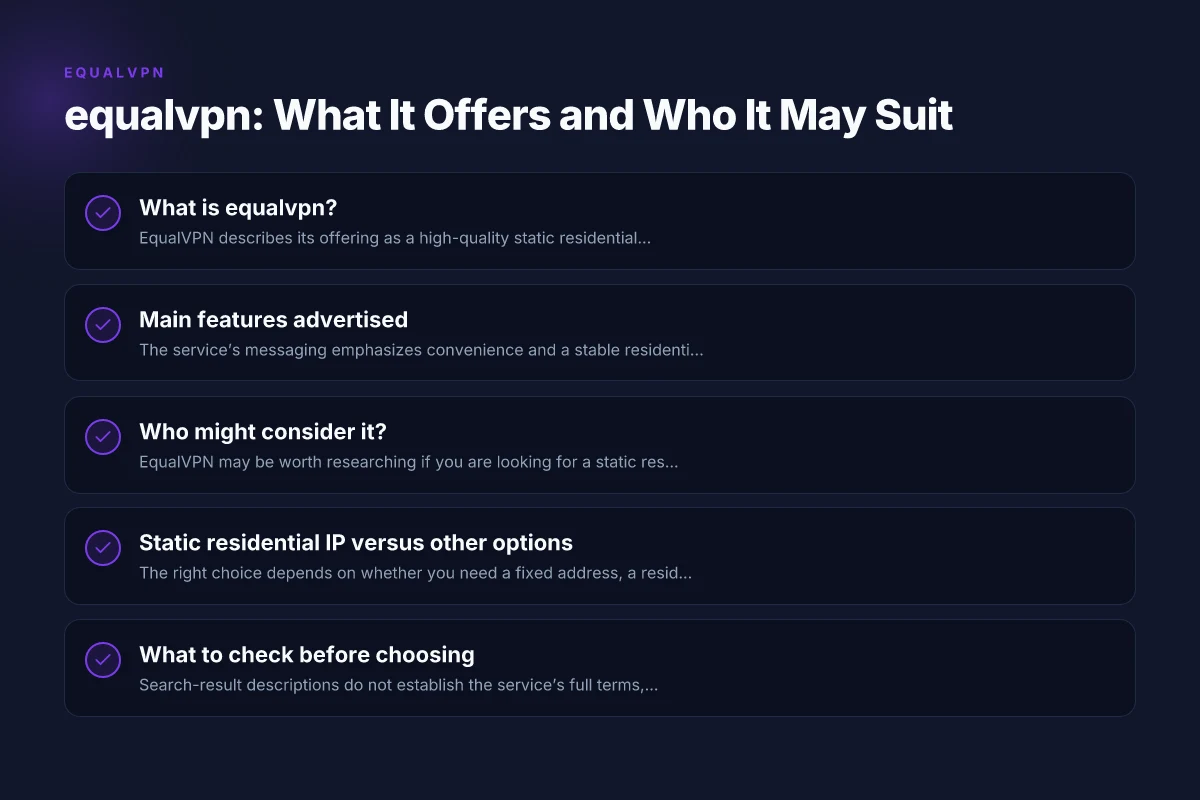
What is equalvpn?
EqualVPN describes its offering as a high-quality static residential IP service. Its website and social profiles promote direct connections from China and compatibility with multiple platforms, including app-based use and importing connection links.
A static IP is an address that is intended to remain the same over time. A residential IP is associated with a residential internet connection rather than a conventional data-center network. These characteristics may matter to users whose services behave differently depending on the apparent location or network type of an IP address.
EqualVPN’s promotional material also refers to domestic CN2/AIG direct connections and says users can avoid complicated chained configurations. These are provider claims. The search information available does not independently verify performance, network routing, or availability for every user.
Main features advertised
The service’s messaging emphasizes convenience and a stable residential network exit. In practical terms, the points to investigate are: Windows VPN: How to Set Up a Connection and Choose a VPN
- Static residential IPs: An address intended to stay consistent, rather than changing frequently.
- Direct access from China: The provider says users can connect without setting up a complex chain of services.
- Multiple-device or platform support: Its social profile describes app support across platforms and importing connection links.
- Use with online services: Promotional material mentions AI tools and social-media platforms such as TikTok.
A consistent address can be useful when an account or workflow benefits from using the same apparent network location over time. However, an IP type alone does not determine whether a platform will permit access or treat an account in a particular way.
Check these points before choosing a VPN or IP service
| Check | What to look for | Why it matters | Good sign | Caution |
|---|---|---|---|---|
| IP type | Residential, datacenter, mobile, or other | Determines the connection category | Clearly identified | Vague labels |
| Static or rotating | Whether the address stays fixed | Affects continuity | Behavior is explained | No rotation details |
| Dedicated or shared | Whether others use the address | Affects exclusivity | Sharing terms are stated | Unclear allocation |
| Privacy policy | Data collected and retained | Helps assess privacy | Specific, accessible policy | Broad or missing details |
| Security features | Encryption and protection claims | Helps assess connection security | Features are documented | Unsupported promises |
| Locations | Available regions and limits | Determines location choice | Current list is provided | Availability is unclear |
| Compatibility | Devices, apps, and protocols | Confirms it fits your setup | Requirements are listed | Important limits omitted |
| Pricing and renewal | Full cost and billing terms | Avoids unexpected charges | Total terms are clear | Renewal terms are hard to find |
| Support and refunds | Contact options and eligibility | Helps resolve issues | Terms are easy to locate | No clear process |
Compiled November 2026; check the provider's site for current details.
Who might consider it?
EqualVPN may be worth researching if you are looking for a static residential IP and value a comparatively straightforward setup. Potential users include people who need a consistent network endpoint for routine browsing, testing, or accessing services while traveling or working across locations. Free VPN for Microsoft Edge: What Works and What to Know
It is also marketed to users concerned about AI services limiting responses or social platforms flagging accounts. Those outcomes depend on many factors, including the service’s policies, account history, device signals, and regional availability. No VPN or IP provider can reliably guarantee that an AI tool will provide a particular level of service or that a social-media account will avoid restrictions.
Before subscribing, confirm that your intended use complies with the relevant platform’s terms. Do not treat a residential IP as a way to bypass rules or as a guarantee against account reviews.
Static residential IP versus other options
The right choice depends on whether you need a fixed address, a residential network identity, or simply a general-purpose connection. The table below explains the broad distinctions. It does not independently verify EqualVPN’s service quality.
| Option | Typical characteristic | May suit |
|---|---|---|
| Static residential IP service | A consistent address presented as residential | Workflows that benefit from IP consistency |
| Rotating residential IP service | Residential addresses change periodically | Tasks that require changing addresses, where permitted |
| Data-center VPN | Traffic exits through infrastructure-hosted IPs | General privacy or location changes |
| Self-managed network setup | The user configures and maintains the components | Users who want control and can handle technical setup |
EqualVPN’s advertised positioning is closest to the first option, with an emphasis on direct access and fewer configuration steps. Compare providers based on details that affect your actual use, not just the “residential” label. Edge Secure Network VPN Review: Is Microsoft Edge’s VPN Worth Using?
Decide whether equalvpn may suit your needs
| Your priority | What to verify about equalvpn | Potential fit | Main limitation to consider |
|---|---|---|---|
| A static residential IP | Whether this option is currently offered | May suit a need for a consistent residential address | Confirm what “static” means in practice |
| A particular location | Whether the desired location is available | May suit location-specific requirements | Coverage may be limited |
| A dedicated address | Whether the IP is exclusive to you | May suit workflows needing consistency | Do not assume static means dedicated |
| A rotating connection | Whether rotation is supported | May suit tasks needing address changes | A static option may not meet this need |
| A specific device or app | Compatibility and setup requirements | May suit supported configurations | Unsupported setups may need another service |
| Strong privacy assurances | Privacy policy and data practices | May suit users satisfied with documented terms | Claims should be checked against the policy |
| Predictable spending | Price, renewal, and refund terms | May suit a budget with clear costs | Verify the full billing terms |
| Responsive assistance | Support channels and availability | May suit users who value help with setup | Confirm support coverage before purchase |
Compiled November 2026; check the provider's site for current details.
What to check before choosing
Search-result descriptions do not establish the service’s full terms, technical performance, or customer support quality. Review the current official information and ask specific questions before paying.
Confirm the practical details
Check whether the service supports your operating system and devices, how connection setup works, and whether the IP is dedicated to you or shared. Ask how long an assigned address is expected to remain stable and what happens if it changes or becomes unavailable. FortiClient VPN Windows 11: Install, Set Up, and Troubleshoot
Review security and privacy information
Look for clear information about data handling, connection logs, account security, and support channels. A VPN or proxy service can see or process some connection information, so understand the provider’s privacy terms rather than assuming that an IP address makes your activity anonymous.
Test the fit, if possible
If a trial or refund policy is available, read its conditions carefully. Test from the location, device, and services you actually plan to use. Connection quality can vary by network, time, and destination, so promotional phrases such as “low latency” should not replace a real-world check.
Recommendation
Consider equalvpn if you specifically need a static residential IP and its direct-connection approach fits your setup. Before committing, verify current pricing and terms on the official site, check device compatibility and privacy details, and test the connection where possible. Treat claims about AI access, speed, or avoiding account restrictions as marketing rather than guaranteed outcomes.